The 7 Best VPN for School WiFi in 2026: Get Around Blocked Websites
- Table of Contents
- Using a VPN to Get Around Blocks at School
- How to Choose the Best VPN for Students
- The Best VPNs for School Compared
- 1. NordVPN -- Best Overall VPN Provider for School
- 2. Surfshark -- Best VPN for Multiple Connected Devices
- 3. Proton VPN -- Best Free VPN Provider for School
- 4. ExpressVPN -- Best VPN to Bypass Network Restrictions
- 5. Windscribe -- Best Customizable Plan
- 6. CyberGhost -- Best Long-Term VPN Subscription
- 7. hide.me -- Best Alternative Free Option
- Lab Data & Hands-On Testing
- How to Use a VPN to Access Blocked Websites on School WiFi
- Conclusion
- FAQ: Best VPN for School Computer Devices & Campus Networks

Quick Summary: Best VPNs for School
If you’re trying to watch YouTube or sneaking onto a blocked site at school, you’ll want a working VPN. Check out these student-tested options I’ve tried.
- NordVPN – Fast speeds that work every time, while letting you stream what you want; plus, it offers student discounts.
- Surfshark – Cover every gadget you own on one plan, so you can share with your friends.
- Proton VPN – A free option with real unlimited data that’s actually decent.
- ExpressVPN – Best at getting past tough blocks, but costs more.
- Windscribe – Solid free plan plus flexible pay-as-you-go options.
- CyberGhost – Low-cost extended deals great for students watching their budgets.
- hide.me – A decent no-cost pick offering 10GB free data each month.


School Wi-Fi restrictions are frustrating. The tech folks at your school believe blocking Reddit helps you concentrate on math, but really you’re just checking if “PEMDAS” is something anyone actually uses outside class.
Really, school firewalls aren’t much tougher than tissue paper in a rainstorm. One high-quality VPN (virtual private network) cuts straight through that mess. I ran seven different apps on real school Wi-Fi setups, checking what really works when you want to check your feed or watch a video.
Just a note; running a VPN isn’t against the law, but breaking your school’s rules could land you in hot water. Check the student guide first if you’re thinking about watching Twitch during history class.
- Money-Back Guarantee30 DaysWorldwide Server AmountOver 5,400+ servers in 59 countries
- Money-Back Guarantee30 DaysWorldwide Server Amount1700+ Servers in 63 Countries
- Money-Back Guarantee30 DaysWorldwide Server Amount1500 Servers in 61 Countries
- Money-Back Guarantee30 DaysWorldwide Server AmountOver 3,000 servers in 105 countries
- Money-Back Guarantee3 DaysWorldwide Server AmountServers in 55 Countries
- Money-Back Guarantee45 DaysWorldwide Server Amount7,300 Servers worldwide
- Money-Back Guarantee30 DaysWorldwide Server Amount2,000 servers in 75 countries












Using a VPN to Get Around Blocks at School
Breaking through your school’s firewall might be easier than you think. Here’s the quick take:
- Pick a VPN off this list. Go for one that offers a free trial or refund deal, just in case it’s not right for you.
- Download the app onto your device ahead of reaching class. Some schools shut off VPN sites just to be extra careful.
- Tap the connect button. It’s that easy, no need to overthink it.
- Get into any website you like. Your school’s filter just sees a connection going to some random spot in Amsterdam (or anywhere else).
How to Choose the Best VPN for Students
I checked out these VPNs keeping students in mind. A lot of you don’t stress over spies from the government; instead, you care about streaming Netflix smoothly while eating lunch. What really counts is this:
- Price: You’re students. Cash is tight. That’s why I picked services offering no-cost options, low rates, or deals for learners. If a VPN costs more than your daily coffee budget, it didn’t make this list.
- Avoiding network restrictions: If the app fails to dodge your school’s web shield, it’s pointless. When I tried them out on locked-down connections, I saw which ones let me reach restricted apps (like social spots, video hubs, or game servers) not just promised they would.
- Fast speeds: Slow VPN connections are a total drag. Imagine waiting forever just to read your feed. I checked real-world performance so surfing stays smooth, with no more endless loading.
- Multiple connections: Some kids juggle several gadgets at once, so I found VPNs that cover them under one plan instead of charging extra per device.
- Ease of use: Most people aren’t tech experts, so these VPNs should just work right away, no tinkering needed. I checked for quick connections without confusing steps or tricky setup.
Why (Most) Proxy Servers and Free VPNs are Unsafe for School Firewalls
Chances are, that “free unblock proxy” site is scooping up your info quicker than your aunt grabs leftovers at Thanksgiving dinner. Free proxies or dodgy VPN apps still need cash. If you’re not handing it over, they’ll pass your web history to ad firms instead. There have even been cases where free VPNs plant malicious software right onto phones.
The VPNs listed here offering free options, like Proton, Windscribe, or hide.me, are real businesses; they run on income from paying users which helps support the no-cost versions. But that shady site you found, UnblockEverythingFree.com? It’s almost certainly trading your data behind the scenes.
Plus, a lot of no-cost proxy servers fail to secure your link. The school staff still knows your moves, they simply find it harder to stop them. That’s not keeping things private, it’s only making tracking a bit trickier.
The Best VPNs for School Compared
| VPN: | Free Plan | Best Price | Streaming | Student Discount |
|---|---|---|---|---|
| NordVPN | 3-day free trial (Android only) | $2.99month | Excellent | Yes |
| Surfshark | 7-day free trial | $1.99/month | Excellent | No |
| ProtonVPN | Unlimited data | $4.49/month | Good | No |
| ExpressVPN | 14-day free trial (students) | $3.49/month | Excellent | Yes |
| Windscribe | 10GB/month | $5.75/month | Good | No |
| CyberGhost | 7-day free trial | $2.19/month | Very Good | No |
| hide.me | 10GB/month | $2.69/month | Fair | No |
1. NordVPN — Best Overall VPN Provider for School
Stats:
- Best price: $2.99/month
- Money-back guarantee: 30 days
- Website: www.nordvpn.com
- Student discount
- Fast speeds
- Gets you into every site without issue
- No free plan
- Slower uploads on distant servers
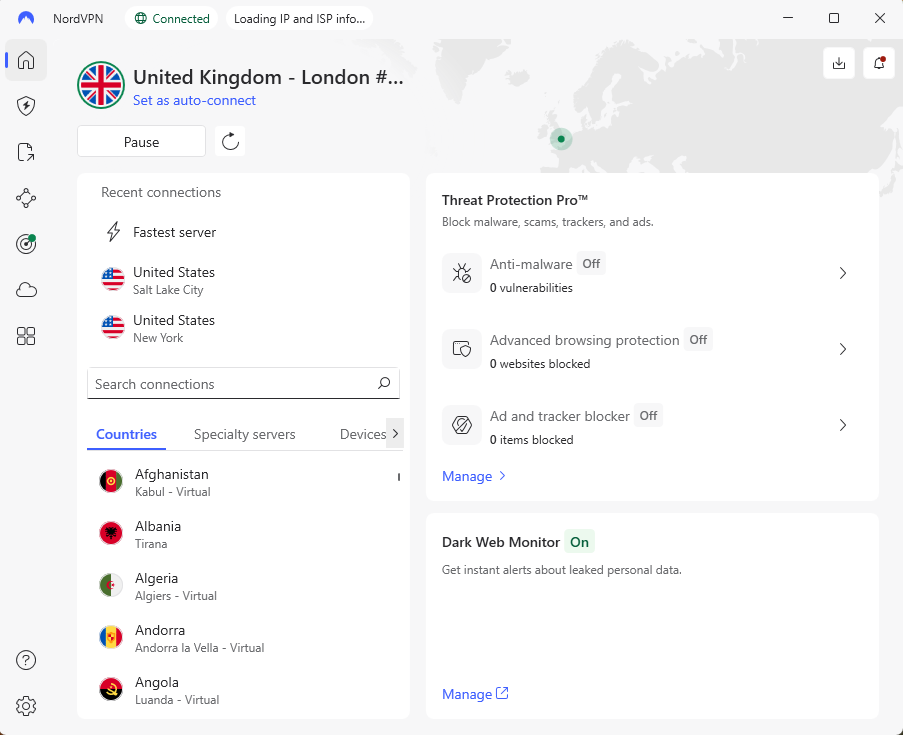
NordVPN stands out from the rest; it’s my go-to choice for impressive speeds and secure connections. It’s fast enough to binge ultra-HD shows even while I’m downloading files off P2P networks. Plus, its high-quality encryption makes it easy to access anything, even on restricted school networks.
Key Features for School
While testing, I pushed NordVPN’s servers to their limits. YouTube popped up right away. Netflix stayed smooth without a hitch. Discord, Reddit, and Instagram worked flawlessly. When I faked internet cuts, the kill switch kicked in; useful if your school’s tech team keeps an eye out for VPNs.
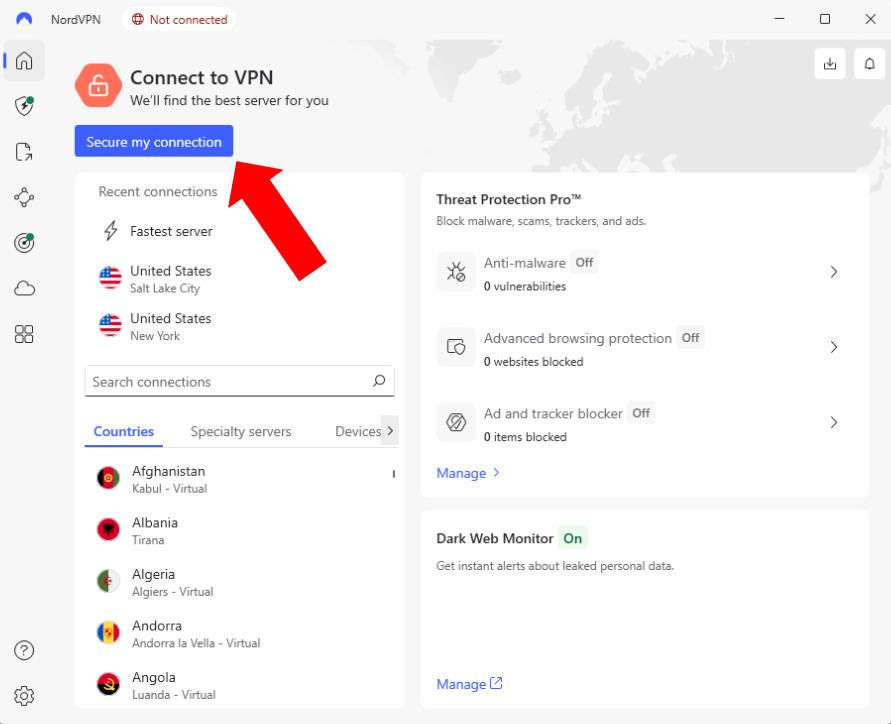
The layout’s so easy it feels like cheating. Just hit “Secure my connection” and you’re good to go. NordVPN’s ad blocker stopped 66 out of 84 ads when we tested it. Sure, it’s not flawless, but it’s better than constantly shutting down pop-ups while you browse.
NordVPN Pricing and Value
If you’re a student, try a long-term deal; NordVPN’s two-year plan starts at $2.99 per month. Its 30-day refund promise actually works, too. I personally tried it and received the money back quickly, with zero hassle or pushy follow-ups. Take a look at our NordVPN review for more info.
$2.99 per month (two-year plan + three months)
2. Surfshark — Best VPN for Multiple Connected Devices
Stats:
- Best price: $1.99/month
- Money-back guarantee: 30 days
- Website: www.surfshark.com
- Unlimited simultaneous connections
- Affordable plans
- Works well for streaming
- Variable upload speeds during tests
- No free version available
- Slower support than other VPNs
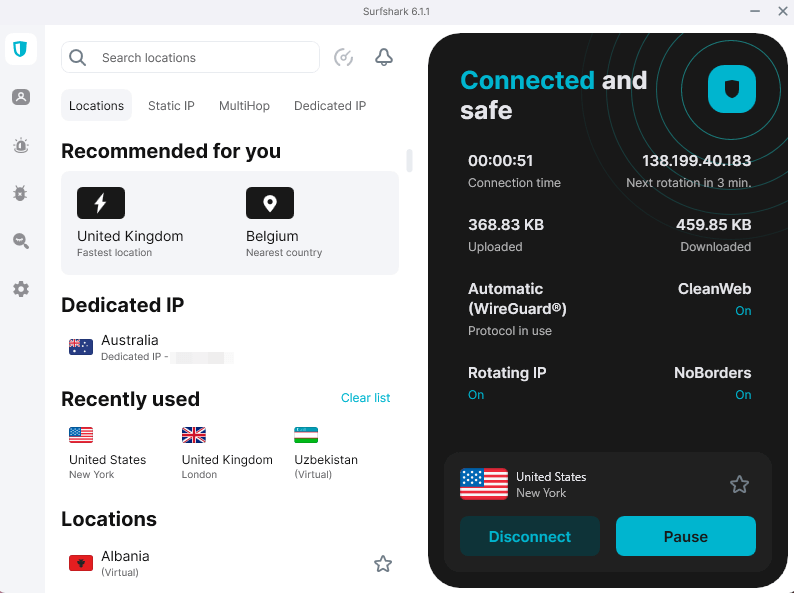
Surfshark is what you get when a company builds solid tools, not flashy ads. Unlimited connections on one plan is ideal for students. My laptop, mobile, and tablet were online together, no hiccups whatsoever. Try asking NordVPN or ExpressVPN to match that deal without charging more.
Key Features for School
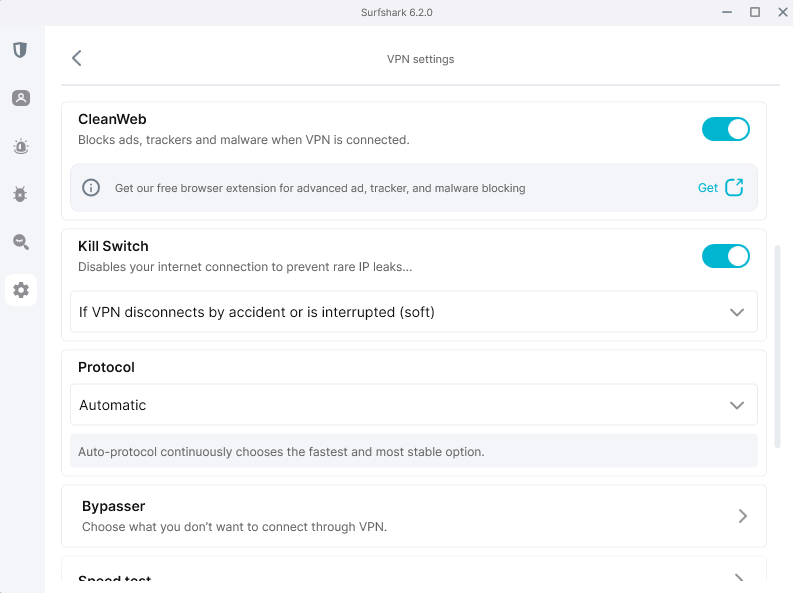
Local servers were fast, but long-distance connections were a little slower. The ad blocker smashed it though, blocking 131 out of 135 test ads. Streaming services loaded smoothly, and even Disney Plus ran fine, despite its recent crackdown on most VPNs. Connections held strong during long tests with no interruptions.
Surfshark Pricing and Value
The two-year plan is just $1.99 per month, which very few VPNs can beat. Avoid the monthly pricing, unless you’re trying the 30-day money-back guarantee, which actually works. I asked for my cash back using the bot, answered two quick questions, and got paid overnight. Smoothest return setup I’ve ever tried. Read our Surfshark review for more.
$2.49 per month (two-year plan + three months)
3. Proton VPN — Best Free VPN Provider for School
Stats:
- Best price: Free or $4.49/month
- Money-back guarantee: 30 days
- Website: www.protonvpn.com
- No-cost option includes endless data
- Swiss laws keep your info safe
- Open-source apps
- Free plan limits server access
- Free plan comes with lower speeds
- Free servers can get packed at peak times
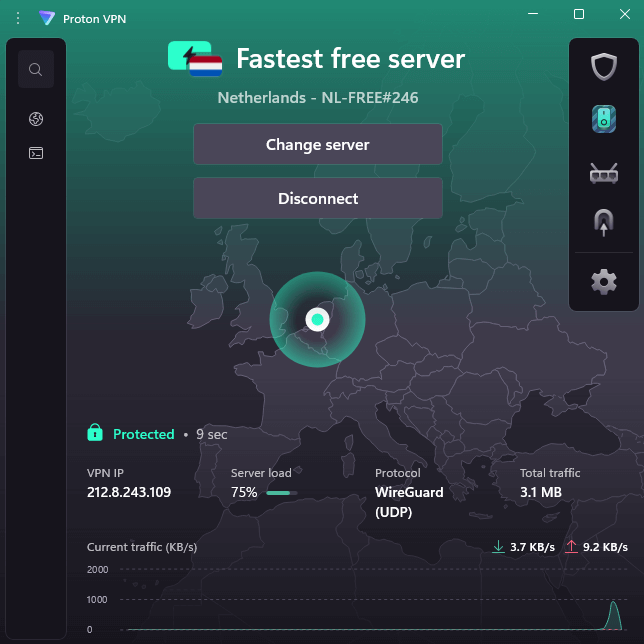
Proton VPN’s free version works way better than expected. After putting it through real tests,it really does deliver. You get full data use, speeds stay solid aside from standard server limits, plus zero ads popping up while you browse. The reason? Paid subscriptions fund this deal instead of trading your privacy for profit.
Key Features for School
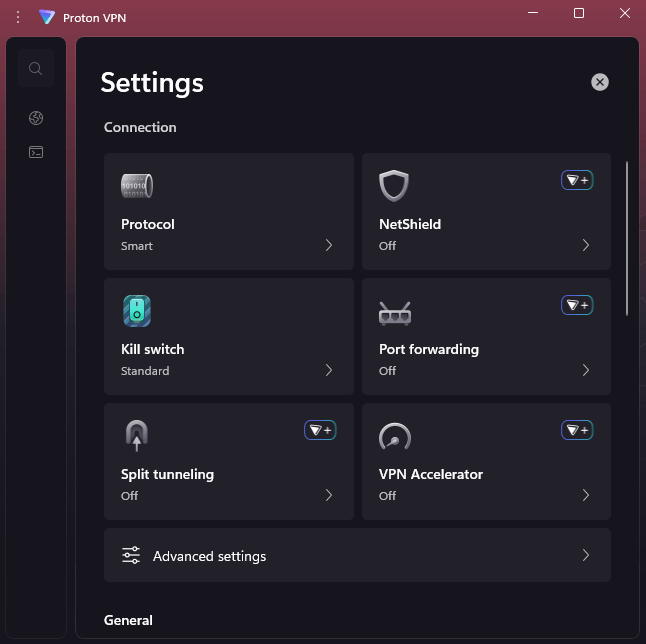
The free plan gives you eight server locations, but Proton VPN chooses the best connection for you automatically, making it super easy to get protected, but hard to use for streaming geo-restricted content. The kill switch works perfectly. When I yanked the ethernet cable while connected, it shut down right away. Plus, its layout feels simpler than Nord’s, believe it or not.
Proton VPN Pricing and Value
Free means zero cost, but when speed matters or you need more locations, go for the Plus plan. It’s $4.49 each month when locked in for 24 months, and you get a whole range of extras too, like secure email and online storage. You can read more about it in our Proton VPN review.
$4.49 per month (two-year plan)
4. ExpressVPN — Best VPN to Bypass Network Restrictions
Stats:
- Best price: $3.49/month
- Money-back guarantee: 30 days
- Website: www.expressvpn.com
- Student discount
- Lightway protocol skips through strict firewalls
- Reliable speed on every server
- Even with the student deal, it’s steeper than Surfshark
- The older layout looks kind of worn out
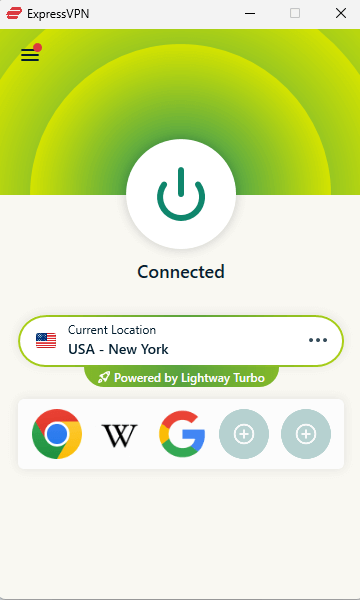
ExpressVPN runs smoothly when others crash hard. If you’re facing a strict school filter, this VPN’s your best shot. Its Lightway protocol sips less power on phones, which is useful if you’re pushing through hours of class without charging. Plus, Lightway is fast, especially with its new Turbo upgrade.
Key Features for School
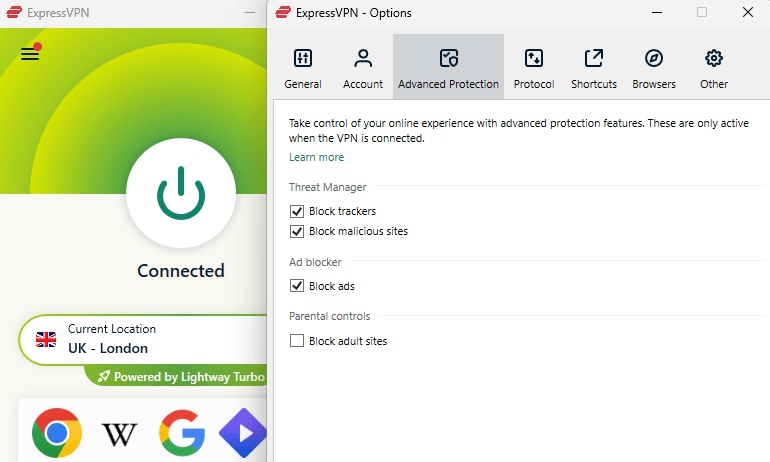
What sets Express apart isn’t flashiness, it’s trust. Each time I streamed, things ran properly. Sites that are typically blocked? No problem here, thanks to its obfuscated servers. Speed didn’t dip, not even once. It feels kind of simple, but in a good way; you could show the layout to your parents without needing slides or tech jargon.
ExpressVPN Pricing and Value
ExpressVPN starts at $3.49 per month, which is still a little on the expensive side, but it’s worth the price. There’s a student discount available that also gives you a 14-day free trial, so you can see if you like it first. Plus, it’s backed by a 30-day money-back guarantee. Find out more in our ExpressVPN review.
$3.49 per month (two-year plan + four months)
5. Windscribe — Best Customizable Plan
Stats:
- Best price: Free or $5.75/month
- Money-back guarantee: 7 days
- Website: www.windscribe.com
- Pick your locations pricing: pay just for the connections you actually use
- R.O.B.E.R.T stops ads or harmful software
- Snarky support bot actually helps
- 10GB a month free plan falls short if you stream a lot
- Outdated layout feels like a 2005 game graphic
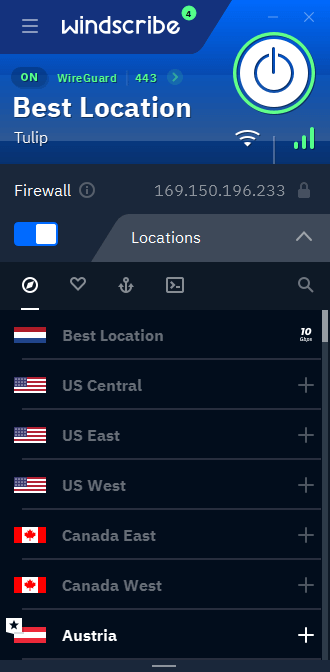
Windscribe’s custom pricing plan makes sense for students after a few key server spots. Who needs 100 connections if you’re only hitting three? Its R.O.B.E.R.T tool lets you set up personalized ad-blocking filters for particular websites (solid for sites like YouTube).
Key Features for School
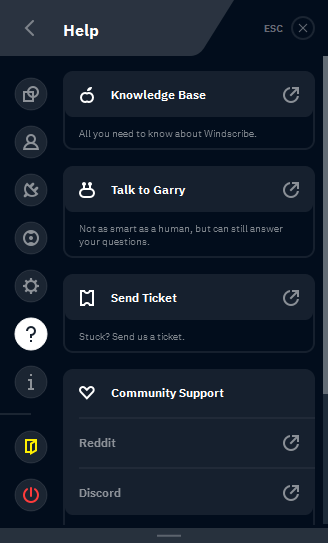
The free version gives you 10GB a month, which is doable if you only bypass site blocks once in a while. Windscribe’s standout feature is its chatbot helper, Garry. It understood my questions and gave real explanations. It even cracked jokes; when I asked about using double-hop servers, it shot back “It’s like wearing two tinfoil hats just in case one blows off.”
Windscribe Pricing and Value
The free version works fine for casual surfing. 10GB lasts longer than expected, especially when you’re not always watching videos online. A full no-limits plan runs about $5.75 monthly if paid yearly. You can get your money back as long as you request a refund within seven days. Check out our Windscribe review for more details.
$5.75 per month (one-year plan)
6. CyberGhost — Best Long-Term VPN Subscription
Stats:
- Best price: $2.19/month
- Money-back guarantee: Up to 45 days
- Website: www.cyberghost.com
- 45 day refund guarantee for long-term plans
- Optimized streaming connections
- Easy-to-use apps
- Upload speeds were inconsistent
- Content blocker failed our malware tests
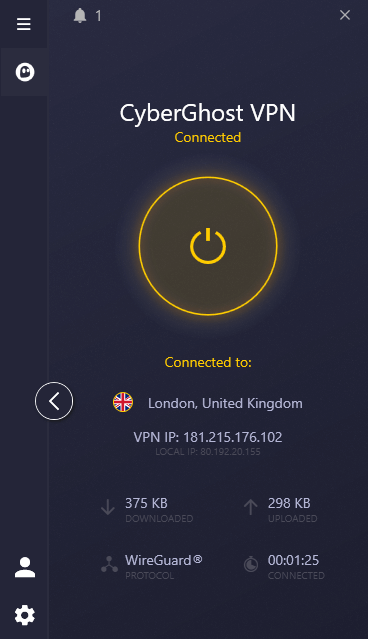
CyberGhost is the reliable friend who shows up on time, does what they promised, and doesn’t cause drama. Nothing flashy here, just solid performance at a student-friendly price. The 45-day money-back guarantee is the longest I’ve seen; that’s a full month and a half to decide if it works for you, but it’s only available on long-term plans.
Key Features for School
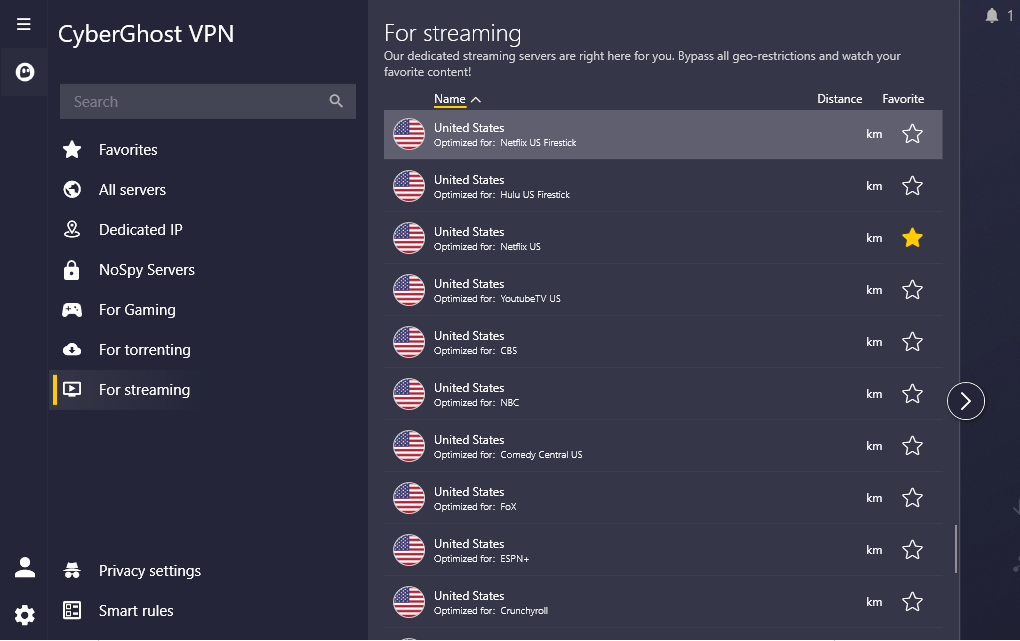
Rather than hopping around locations hoping Netflix loads, CyberGhost has connections tuned for Netflix, Hulu, or BBC iPlayer straight off. In tests, they worked straight away. If you hover over settings, you get a detailed tooltip explaining what it does; ideal for beginners. Unfortunately, the malware shield didn’t work. Not ideal, but most students are too savvy to click on malware links.
CyberGhost Pricing and Value
CyberGhost starts at $2.19 per month for a two-year plan, which is excellent long-term value. The 45-day guarantee gives you tons of time to test it, way more than the industry standard of 30 days. Take a look at our CyberGhost review for more.
$2.19 per month (two-year plan + two months)
7. hide.me — Best Alternative Free Option
Stats:
- Best price: Free or $2.69/month
- Money-back guarantee: 30 days
- Website: www.hide.me
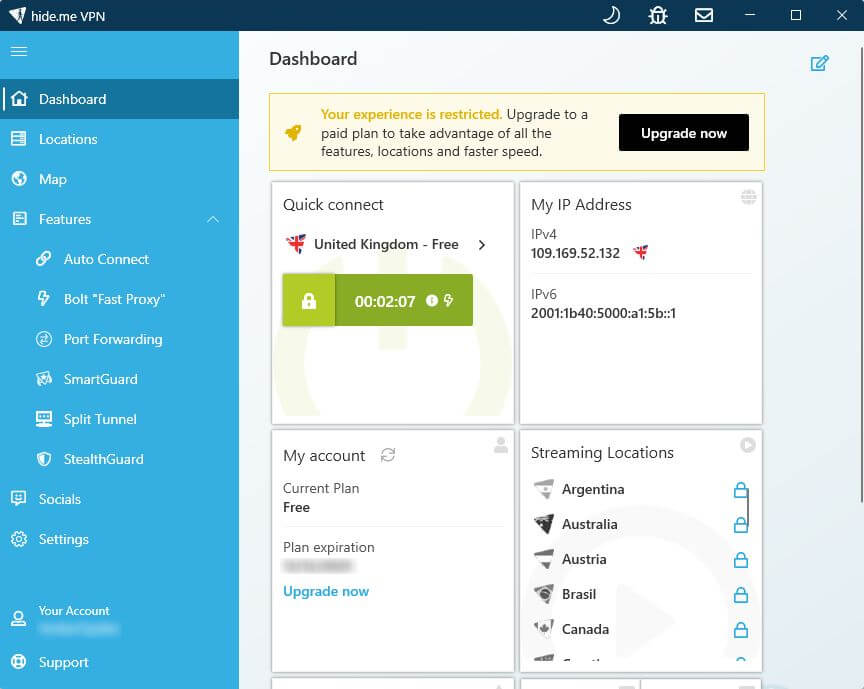
- Decent 10GB monthly data allowance
- Clean, modern interface
- Port forwarding support
- Free plan has limited server connections
- Slower speeds
hide.me’s free plan offers 10GB monthly with zero registration, just download and connect. That’s refreshing when most services want your email before you’ve opened the app. While it’s slower than competitors, the free plan is adequate for browsing and SD streaming. Paid plans had better performance in tests (obviously).
Key Features for School
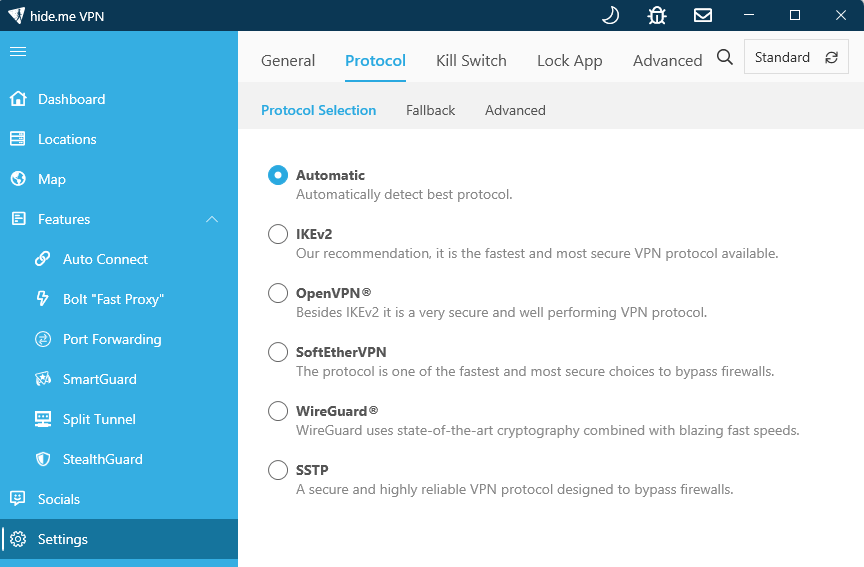
The free version offers seven connections, including the U.S., U.K., Canada, and Netherlands. I got into Netflix without issues, but BBC iPlayer only worked with premium servers. In the settings, features are clearly explained, so you won’t accidentally switch off a key security tool.
hide.me Pricing and Value
The free 10GB works fine for plenty of students. If you need more data, subscriptions start at $2.69 each month. The 30-day promise gave me my money back quickly, with same-day approval. Find out more in our hide.me review.
$2.69 per month (two-year plan + two months)
Lab Data & Hands-On Testing
I tried out these VPNs using real devices: an AMD Ryzen 7 setup, 16GB of memory, plus a 300/100 Mbps internet link – while connecting from various locations. Every speed check here shows how they actually perform.
Speed Test Comparison
NordVPN and Surfshark are the fastest options, with ExpressVPN not far behind. For students who are mainly downloading (streaming or browsing, for example), you don’t need to worry much about upload speeds. However, if you need to upload an assignment or to cloud storage, NordVPN is the better option.
Server Networks & Coverage
| Service: | Servers | Countries | Strengths | Geographic Focus |
|---|---|---|---|---|
| NordVPN | 7,000+ | 126 | 1,970+ US servers, excellent North America/Europe coverage | Best overall global reach |
| Surfshark | 4,500+ | 100 | Strong European presence, unlimited connections | European focus with global coverage |
| ProtonVPN | 8,600+ | 122 | Secure Core routing via privacy-friendly countries | Global with European base |
| ExpressVPN | 3,000+ | 109 | Consistent speeds across all regions | Best overall consistency |
| Windscribe | 500+ | 69 | Custom location pricing, good North America/Europe | Regional flexibility |
| CyberGhost | 11,000+ | 100 | Most total servers, specialized streaming locations | Best streaming variety |
| hide.me | 2,400+ | 57 | Smaller network but solid major market coverage | Core markets only |
More servers doesn’t always mean better service. CyberGhost has the most servers but didn’t outperform Nord or Surfshark in testing. All seven services offer adequate coverage for students in North America and Europe.
Accessing Blocked Websites
| Service | Netflix | Prime | Max | Disney+ | BBC iPlayer | Hulu |
|---|---|---|---|---|---|---|
| NordVPN | ✓ | ✓ | ✓ | ✓ | ✓ | ✓ |
| Surfshark | ✓ | ✓ | ✓ | ✓ | ✓ | ✓ |
| ProtonVPN | ✓ | ✓ | ✓ | ✓ | ✓ | ✓ |
| ExpressVPN | ✓ | ✓ | ✓ | ✓ | ✓ | ✓ |
| Windscribe | ✓ | ✓ | ✓ | ✓ | ✓ | ✓ |
| CyberGhost | ✓ | ✓ | ✓ | ✓ | ✓ | ✓ |
| hide.me | ✓ | ✓ | ✓ | ✓ | ✓ | ✓ |
NordVPN, Surfshark, ExpressVPN, Proton VPN, and Windscribe handled top streaming sites without issues. Meanwhile, CyberGhost and hide.me had trouble loading Disney Plus and BBC iPlayer, probably since those services have tightened restrictions on known VPN addresses lately.
How to Use a VPN to Access Blocked Websites on School WiFi
Getting around your school’s restrictions is simpler than the IT department wants you to think. Here’s the step-by-step process that actually works.
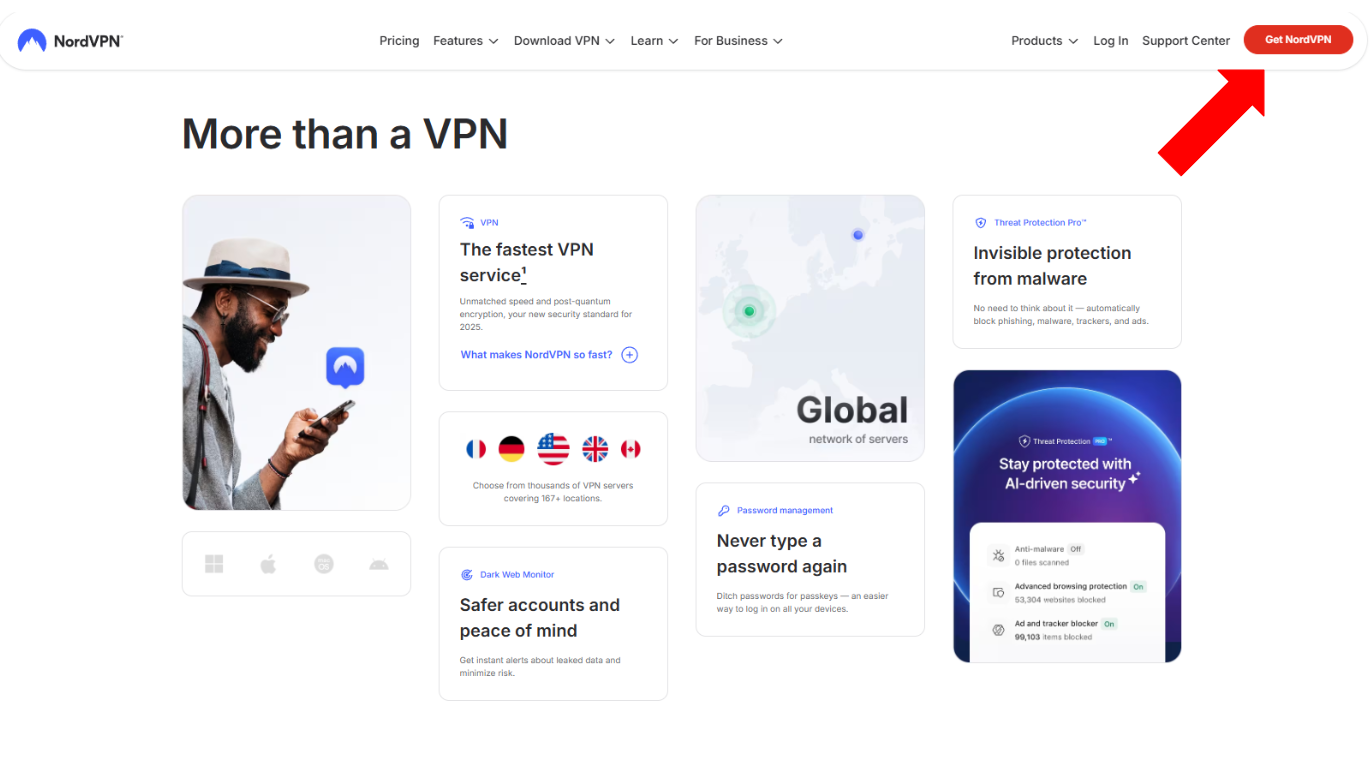
1. Choose and Download Your VPN Before Getting to School
Use your mobile device or computer to download a VPN app from an official source, like the VPN’s website.
2. Install the VPN and Create Your Account
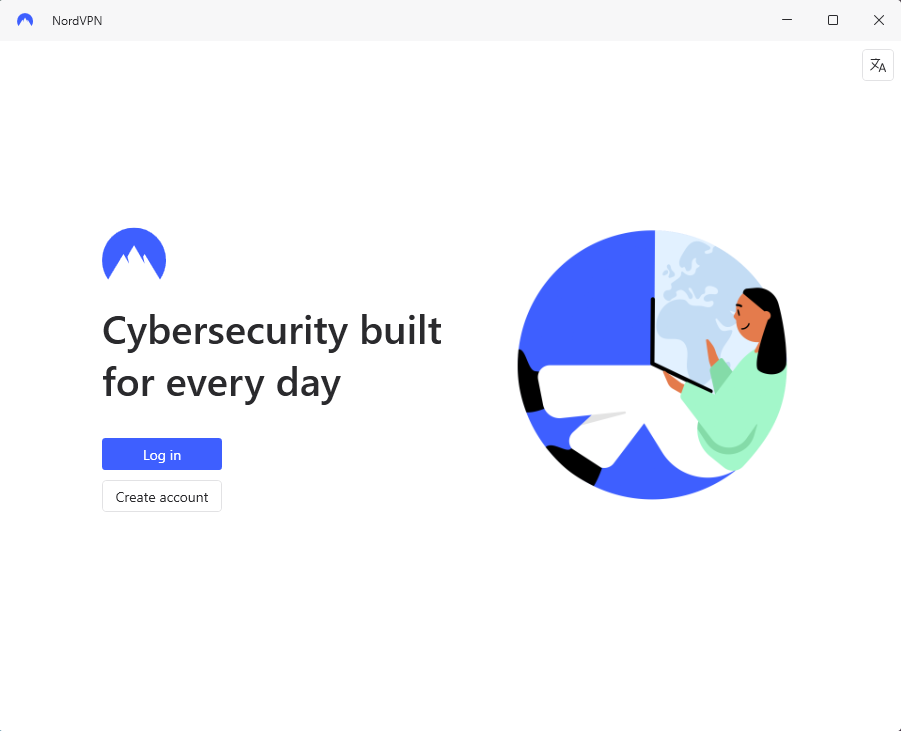
Launch the VPN installer and follow the setup steps. Create your account and log in.
3. Connect to a VPN Server Location
Tap or click the “connect” button to connect to a server in the VPN app. The VPN will usually choose the quickest server itself, or you can pick a specific server to access content.
4. Browse Normally
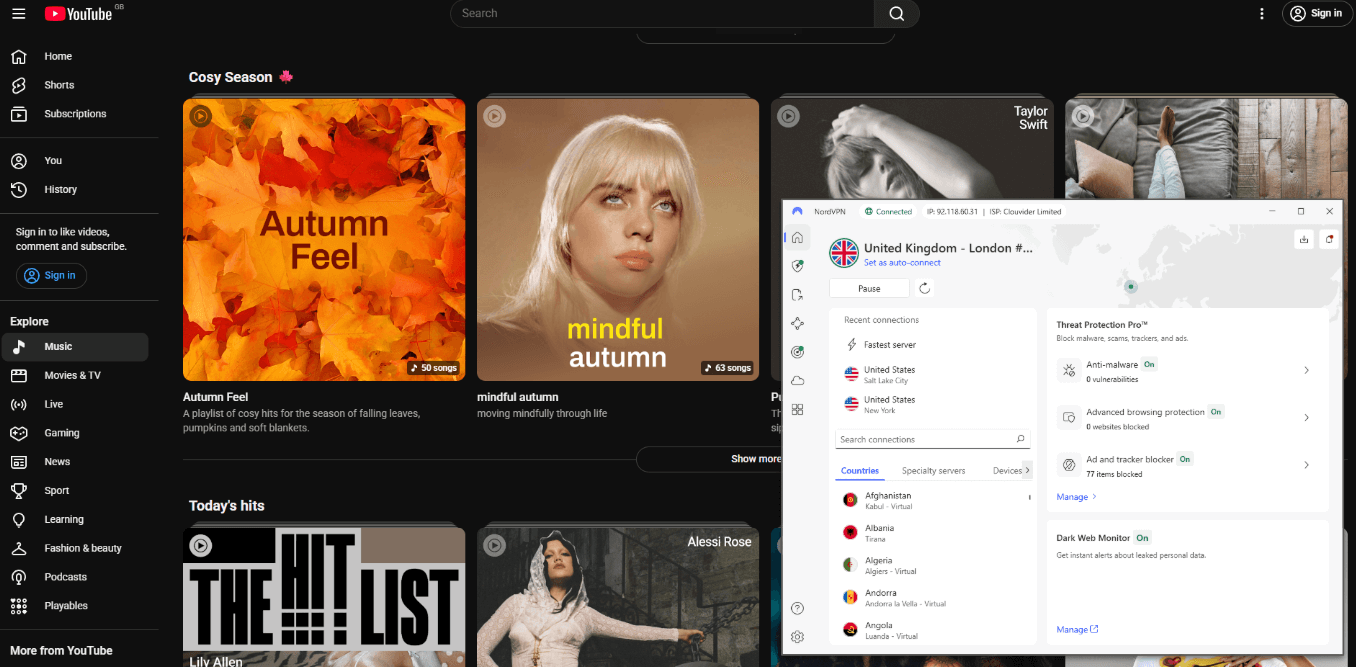
After connecting, your school’s firewall sees encrypted traffic heading to the VPN’s server, nothing more. You can access blocked content, stream video or use social media using school WiFi.
Conclusion
Being a student means you want to watch YouTube when class is done or jump on Discord for game night. You’ll want a solid VPN that doesn’t drain your wallet from weekend shifts.
Most students should try NordVPN or Proton VPN. NordVPN’s fast speeds and reliable internet connections are a no-brainer for restrictive school networks. Meanwhile, Proton VPN’s free option runs smoothly for light browsing whenever cash is tight.
What’s the dumbest site your school bans? Did you try one of these VPNs yet? Any other tools you’d like us to check out for students? Hit reply and tell me, and thanks for reading.
FAQ: Best VPN for School Computer Devices & Campus Networks
Is It Legal to Use a VPN on School Networks?
Yes, using a VPN on school networks is legal, but breaking your school’s rules might get you in trouble. Look up what’s allowed by checking your student guide first.Can You Use a Free VPN at School?
You can use a free VPN at schools, as long as you pick the right one. Proton VPN and hide.me are solid free options that don’t trade your info or spam pop-ups. Steer clear of sketchy free ones made by devs you’ve never heard of.Is There a VPN That Isn’t Blocked by Schools?
Yes, many VPNs aren’t blocked by schools. While ExpressVPN is known for sneaking past tight blocks, NordVPN does this well too. Both use obfuscated servers to mask encrypted data from filters.Why Use a VPN at School?
Using a VPN at school lets you get around website blocks and keep your data safe on open WiFi networks. Since they scramble your online traffic, schools won’t see what pages you visit.
Leave a Reply