
The 11 Best Privacy Software for Data Protection in 2026

Quick Summary: Best Privacy Software Tools
After testing dozens of tools, Proton Mail takes the top spot for secure email with genuine end-to-end encryption that actually works.
- NordVPN – Trustworthy VPN service that includes high-quality security features
- Surfshark – Budget-friendly VPN with unlimited device connections
- ExpressVPN – Consistently fast VPN with servers in 105 countries
- DeleteMe – Data broker opt-out solution that truly delivers results
- Incogni – Automated personal data deletion from sketchy data brokers
- 1Password – Stores passwords securely while remaining simple to operate
- Proton Mail – Free, Swiss-based encrypted email with client-side encryption
- Tuta Mail – Low-cost secure email with free tier alongside encrypted calendar features
- Brave Browser – Secure web tool stopping online tracking while keeping sites working
- Firefox – Adaptable, source-open browser featuring strong security add-ons
- Signal – Secure, encrypted messaging app, backed by the FBI


Let’s face it: privacy today is overwhelming. One app after another says it uses “military-grade encryption,” though nobody really knows what that even means. Breaches occur constantly, yet hardly register in the news. The truth is, choosing solid privacy tools isn’t fear-driven. It’s just sensible online care.
I tested privacy tools in five areas over three months. While some stood out, others left me questioning whether the creators even browsed online. Here’s what I discovered about safeguarding your information without needing to become a hermit living in a Faraday cage.
- Money-Back Guarantee30 DaysWorldwide Server AmountOver 5,400+ servers in 59 countries
- Money-Back Guarantee30 DaysWorldwide Server Amount1700+ Servers in 63 Countries
- Money-Back Guarantee30 DaysWorldwide Server AmountOver 3,000 servers in 105 countries




The 11 Best Data Privacy Software
| Service: | Category | Starting Price | Privacy Feature | Best For |
|---|---|---|---|---|
| NordVPN | VPN | $2.99/mo | Double VPN encryption | Feature collectors |
| Surfshark | VPN | $1.99/mo | Unlimited simultaneous connections | Families |
| ExpressVPN | VPN | $3.49/mo | TrustedServer RAM-only servers | Speed priority |
| DeleteMe | Data Removal | $8.71/mo* | Quarterly removal reports | Comprehensive data removal |
| Incogni | Data Removal | $7.99/mo | Automated broker removal | Tight budgets |
| 1Password | Password Manager | $2.39/mo | Watchtower breach monitoring | Password chaos |
| Proton Mail | Free | Client-side encryption | Gmail refugees | |
| Tuta Mail | Free | Encrypted calendar & contacts | Budget-conscious users | |
| Brave | Browser | Free | Built-in ad & tracker blocking | Easy privacy wins |
| Firefox | Browser | Free | Enhanced tracking protection | Customization enthusiasts |
| Signal | Messaging | Free | Open-source E2E encryption | Private conversations |
VPN Services
Your internet provider monitors every website you visit. As a result, they may share your information with advertising companies. Alternatively, authorities could ask them for it. If security fails, hackers could steal it. Not very reassuring.
VPNs protect your online activity by routing it through remote servers. Your provider cannot monitor your online activities, allowing you to access restricted websites. This setup greatly enhances personal privacy.
1. NordVPN — Best Feature-Rich VPN
Stats:
- Best price: $2.99/month
- Money-back guarantee: 30 days
- Website: www.nordvpn.com
- Loaded with extra security features
- Threat Protection blocks malware & ads
- App can feel a little overwhelming
- Connection times slower than ExpressVPN
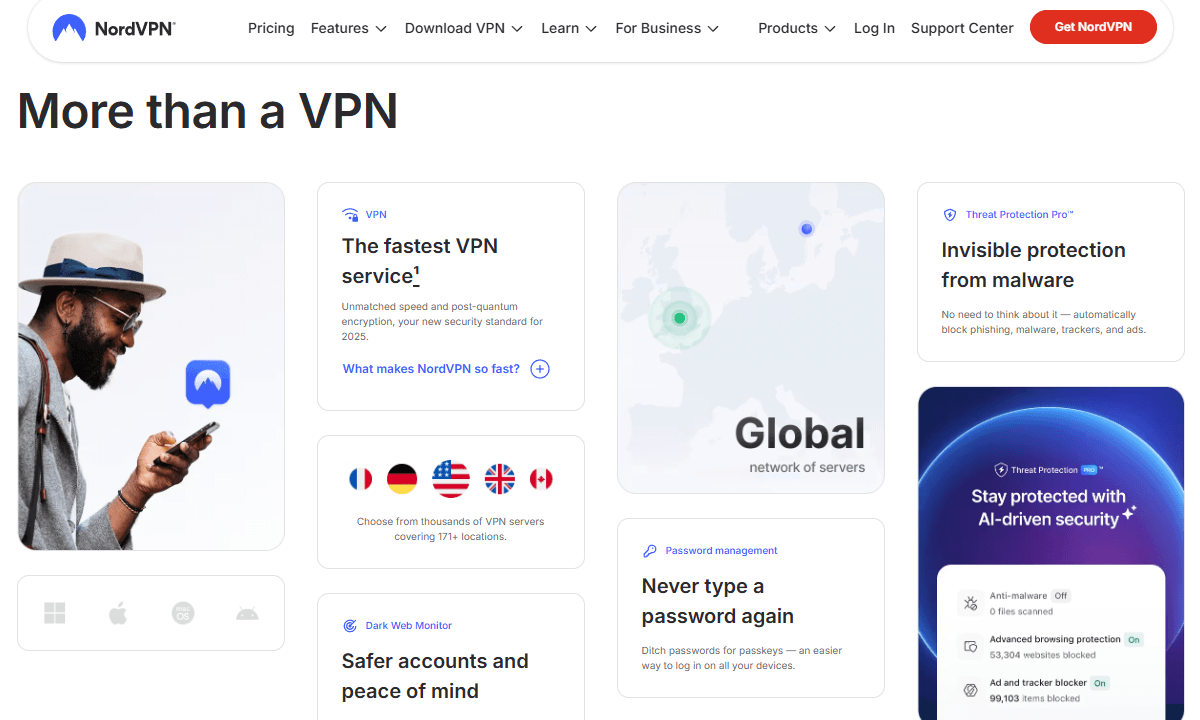
NordVPN is stuffed full of security features, considering its relatively low price. Some feel unnecessary, like the hidden servers I’ve never used, but others are genuinely helpful. Its Threat Protection prevents harmful sites and files in advance, functioning similarly to basic virus protection. Find out more in our NordVPN review.
I tested the Double VPN feature, which routes your traffic through two servers instead of one. Even though my speed decreased considerably, it provided an unexpected feeling of security. This level of protection is generally unnecessary for most users, particularly if you aren’t worried about government surveillance. The option brings a sense of comfort.
$2.99 per month (two-year plan + three months)
2. Surfshark — Best Value VPN
Stats:
- Best price: $1.99/month
- Money-back guarantee: 30 days
- Website: www.surfshark.com
- Cheapest long-term pricing
- Unlimited device connections
- Variable connection speeds
- Smaller server network than competitors
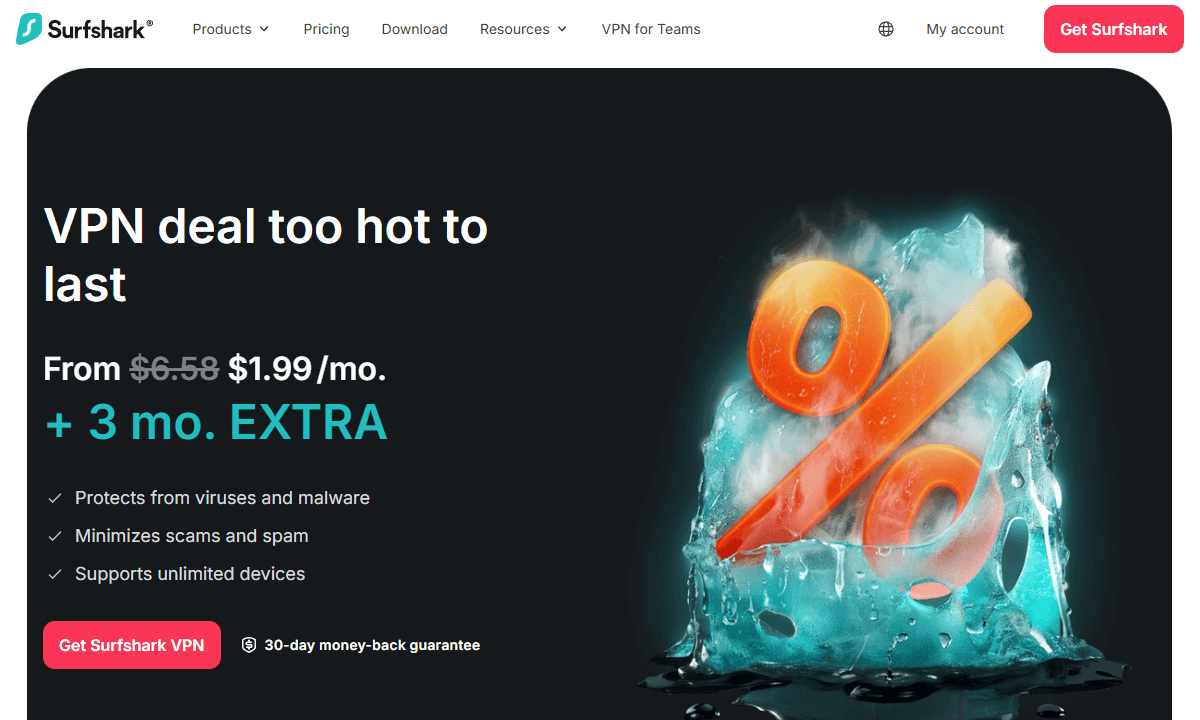
Surfshark supports unlimited connections, making it perfect for large families or tech enthusiasts. I connected my phone, laptop, tablet, smart TV, and router all at once, and performance stayed consistent. Some providers limit usage to 5 to 10 screens, creating a dilemma: should you prioritize the PC or the mobile? Surfshark lets you protect them all.
The price is quite fair considering what is offered. While speed may occasionally decrease, it generally has minimal impact on everyday web browsing or video streaming. You can read our Surfshark review for more details.
$2.49 per month (two-year plan + three months)
3. ExpressVPN — Best VPN for Fast Connections
Stats:
- Best price: $3.49/month
- Money-back guarantee: 30 days
- Website: www.expressvpn.com
- Consistently fast speeds
- RAM-only servers, no data storage
- Slightly more expensive
- Few customizable features
ExpressVPN is impressively fast. On a Friday evening, I connected to a New York server from London; downloads decreased by only 8%. Unlike many services that significantly reduce speeds, leaving you waiting like in the old days of dial-up, ExpressVPN keeps things consistently speedy. Take a look at our ExpressVPN review for more information.
The TrustedServer operates completely on RAM, eliminating the need for storage disks. All information is automatically erased upon reboot. This is genuine protection against data theft, not just hype. If someone takes the machine, they will still obtain no useful data.
Personal Data Collection & Identity Theft Prevention Software
Data brokers work quietly, collecting personal information without recognition. They gather data from government files or online activity, occasionally using questionable methods. Rather than maintaining privacy, these companies sell profiles to interested buyers. They track spending habits and scan digital footprints across platforms.
The following tools find your information on data broker sites and automatically remove it. Doing this manually takes a long time (I’ve tried it, it takes forever).
1. DeleteMe — Best Comprehensive Data Removal
Stats:
- Best price: $8.71/month (two-year plan)
- Money-back guarantee: 7 days (before first privacy report)
- Website: www.joindeleteme.com
- Removes data from 850+ brokers
- Handles opt-outs & follow-ups automatically
- Some brokers re-list data
- Takes 1-2 months to see initial results
DeleteMe delivers on its promises; a rarity in the realm of privacy tools. When I joined in March, I received a report by May confirming the removal of data from 42 brokers. These were unfamiliar platforms exchanging old addresses, my phone number, and even the names of my relatives.
The quarterly updates are surprisingly enjoyable. Each report notes new deletions and identifies areas where details reappeared. It’s like whack-a-mole with personal information, but someone else is swinging the hammer for you while you collect the prize tickets.
2. Incogni — Best Automated Data Broker Removal
Stats:
- Best price: $7.99/month
- Money-back guarantee: 30 days
- Website: www.incogni.com
- Automated removal requests & follow-ups
- Dashboard shows real-time removal progress
- Fewer brokers covered than DeleteMe
- Some brokers require manual verification
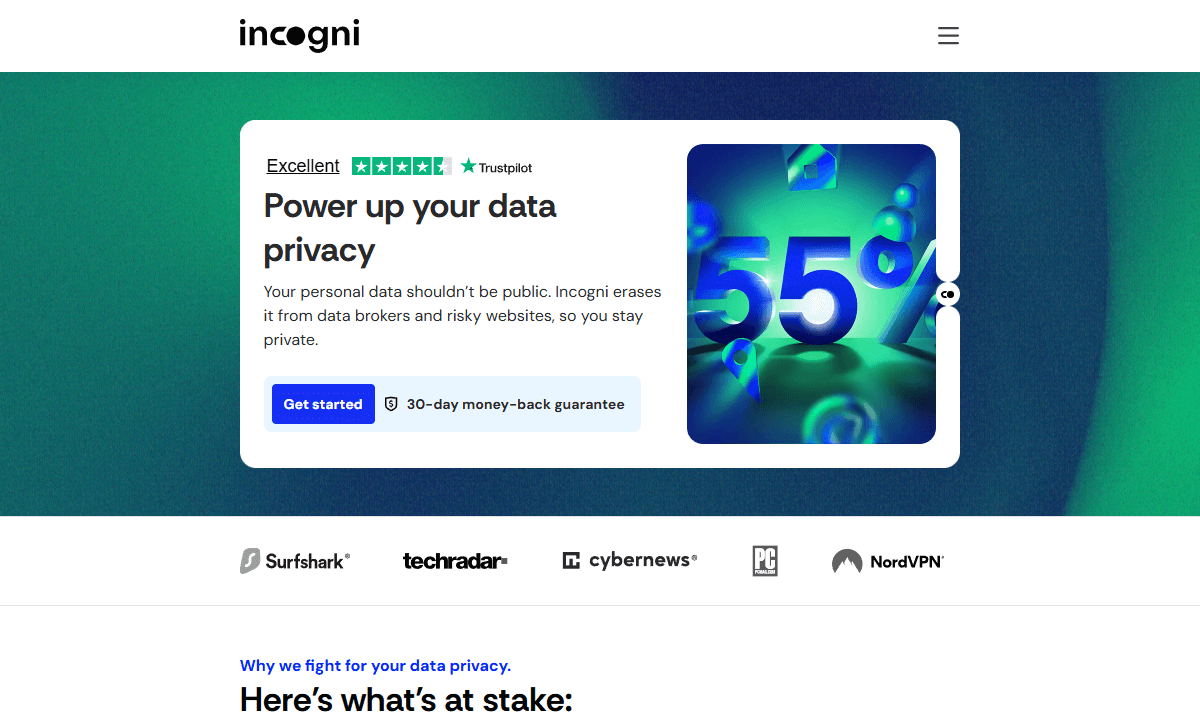
Incogni employs automated systems to remove personal information rather than relying on manual assistance. It’s a little more cost-effective but occasionally less thorough than options like DeleteMe.
The dashboard functions effectively. It shows brokers that are currently processing, as well as those that are refusing deletion or have already completed their tasks. While some companies, often those with questionable practices, require additional scrutiny, Incogni provides clear, step-by-step guidance. Almost automatic, but not quite.
Private Email Services
Your email provider knows you better than your therapist—every message, every contact, and even that embarrassing newsletter sign-up. Services like Gmail analyze your notes to display targeted ads, gathering specific details about your lifestyle.
Private email platforms use end-to-end encryption, ensuring your data remains concealed, even from the service provider. Similar to standard email, these providers operate their systems without scanning your inbox for advertisements.
1. Proton Mail — Best Overall Secure Email
Stats:
- Best price: Free (limited), $3.99/month for Mail Plus
- Money-back guarantee: 30 days (paid plans)
- Website: www.proton.me/mail
- Client-side encryption
- Free tier is actually usable
- Based in Switzerland with strong privacy laws
- Custom domain requires paid plan
- Mobile app slower on older devices
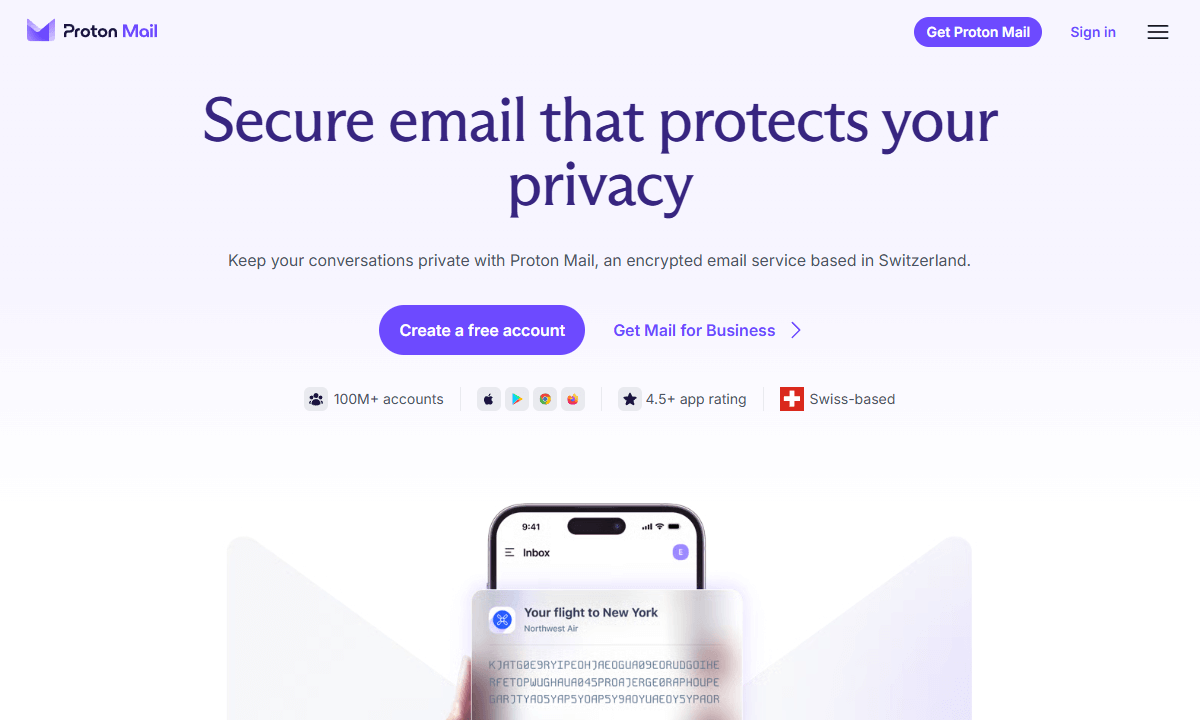
Proton Mail encrypts every email exchanged between users, ensuring full security. You can also share locked messages with non-users. I sent a secure code message to my aunt, who avoids technology, to see how simple it was. Surprisingly, she managed the process in less than two minutes, something that stunned me far more than the safety feature ever could.
The Swiss legal system has a more significant impact than many people realize. It remains distinct, having neither joined the EU’s data networks nor connected to American monitoring systems. After moving my primary inbox there this year, I felt immediate relief. No more Google peeking at my messages about surprise birthday gifts.
2. Tuta Mail — Best Budget Secure Email
Stats:
- Best price: Free (1GB), $3.50/month Revolutionary plan
- Money-back guarantee: 14 days (paid plans)
- Website: www.tuta.com
- Automatic encryption
- Encrypts calendar & contacts too
- Open-source & independently audited
- No import tool for existing emails
- Search functionality needs decryption (slower)
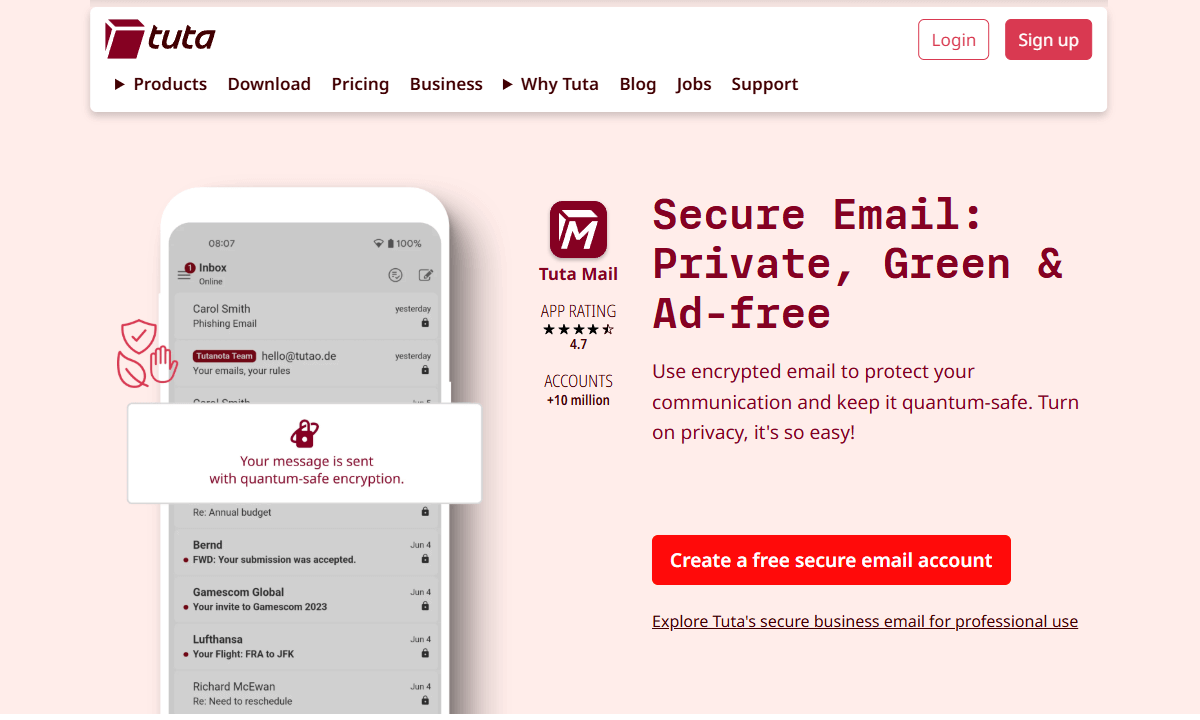
Tuta Mail approaches encryption in a way that differs from Proton. All data, including calendar entries and contacts, is secured by default. Perfect for those who often forget to activate protection tools (we all know someone like that).
The German company adheres to GDPR regulations, ensuring user data remains secure. After losing my login key, support confirmed they couldn’t access my information. It was frustrating at the time, but ultimately, it was the right approach for true privacy.
Private Browsers
Your browser keeps a record of every site you visit online, including searches and those late-night explorations into quirky facts, like whether penguins have joints in their legs. Browsers like Chrome discreetly transmit these details to major companies in the background.
Private browsers prevent tracking and minimize fingerprinting, making online snooping more difficult and restricting how websites gather your data. Rather than constant monitoring, you get essential privacy protections, making your browsing experience more personal. Ultimately, it’s about minimizing unnecessary digital attention.
1. Brave — Best Privacy-First Browser

Stats:
- Best price: Free
- Money-back guarantee: N/A
- Website: www.brave.com
- Very good ad & tracker blocking
- Based on Chromium, compatible with most websites
- Optional rewards program for viewing privacy-respecting ads
- Rewards program a little gimmicky
- Occasional compatibility issues with aggressive anti-tracking
Brave automatically blocks numerous hidden trackers. In just thirty days, it showed that 47,000 were turned away. Forty-seven thousand. That number made me irrationally annoyed at the whole surveillance economy.
This browser works like Chrome, making it easy to adapt to. After switching, websites looked perfect, all necessary add-ons were present, and I didn’t have to explain to my family why the pages looked different. Its secure browsing made it easy with no expert knowledge required.
2. Firefox — Best Open-Source Privacy Browser
Stats:
- Best price: Free
- Money-back guarantee: N/A
- Website: www.firefox.com
- Extensive privacy-focused ecosystem
- Open-source & non-profit developed
- Slightly slower than Chromium browsers
- Some websites optimized only for Chrome (badly)
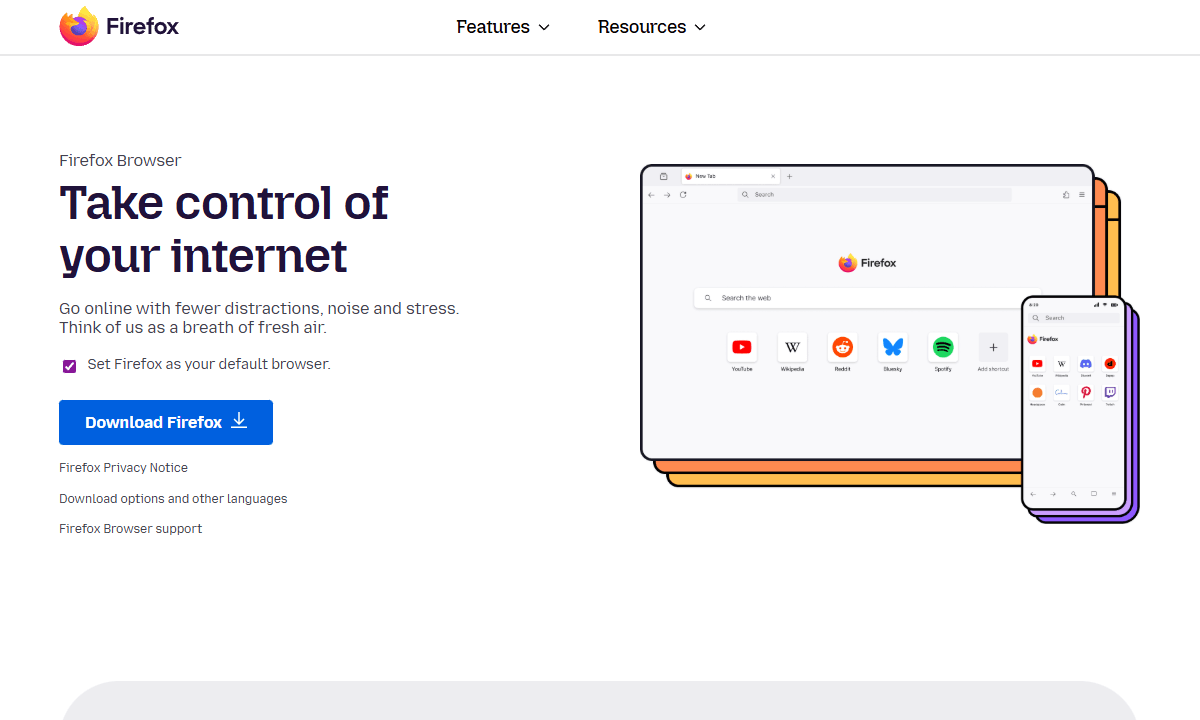
Firefox is an underrated player in the online space. It still stands as the only major browser not under the control of big data. Operated by a nonprofit, its objectives align with yours, emphasizing transparency and user safety online rather than chaotic ad-driven tracking.
The Enhanced Tracking Protection is effective. I compared Firefox in strict mode to Chrome without any add-ons during testing. While browsing 50 common sites, Firefox blocked about 12 hidden trackers each time, which Chrome allowed through. The gap was quite surprising.
Other Privacy Protection Software Solutions
Privacy varies for each individual. Consider using secure messaging, password managers, and encrypted storage, rather than just relying on emails, browsers, or deleting data. These additions address gaps without needing you to live off-grid.
1. 1Password — Best Password Manager
Stats:
- Best price: $2.39/month
- Money-back guarantee: 14-day free trial
- Website: www.1password.com
- Excellent browser & app integration
- Watchtower & Travel Mode are great additions
- No free tier (trial only)
- Slightly steeper learning curve
Using the same password across multiple websites is like having a single key for your home, car, and storage unit. If that key vanishes, you will lose access entirely. 1Password generates unique codes for each login, preventing leaks from spreading by using separate layers of protection.
The Watchtower checks if your passwords appear in past data leaks. On my initial scan, it found 23 compromised entries (shocking). But 1Password streamlined repairs: tap the alert, generate secure passwords, and change them on the website. Finished. That constant fear around online safety dropped away.
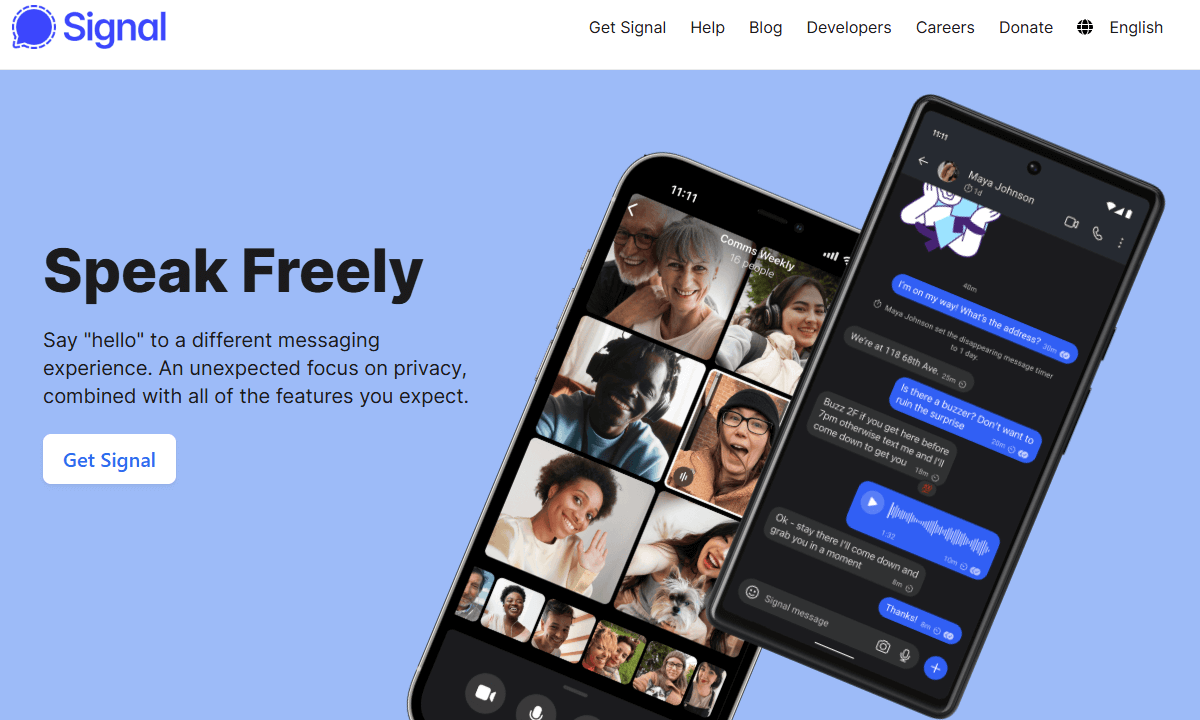
2. Signal — Best Encrypted Messaging App
Stats:
- Best price: Free
- Money-back guarantee: N/A
- Website: www.signal.org
- Open-source, audited encryption
- No data collection, non-profit operated
- Smaller user base than WhatsApp
- Needs your phone number for registration
Signal is what happens when cryptography experts design apps. During a cyberattack tied to China, the FBI urged citizens to switch to Signal. If authorities endorse encrypted tools, they’re effective. Law enforcement backing proves reliability.
After setting up the app and beginning to message, encryption works seamlessly in the background. No switches to flip, no uncertainty, and no risky unsecured messages slipping through. After I switched our family chat to Signal, one person noted they missed the colors of iMessage, but that was the only comment. It’s a strong option.
How to Choose the Best Data Privacy Tools
Purchasing privacy tools can be challenging because of misleading advertisements. Many claim to be ultra-secure, but that label holds little weight; numerous services advertise no logs while still tracking your activity. What matters? Genuine transparency over flashy jargon
- Open-source offers advantages: This allows neutral parties to conduct security checks. Privacy tools that obscure their source are akin to accepting a claim without evidence.
- Independent audits are essential: Look for providers that have been verified by independent experts like Cure53 or Trail of Bits. Without verification, they could be hiding something.
- The jurisdiction determines privacy regulations: A company’s location dictates the legal framework governing data access. Switzerland, Iceland, and Panama have stricter safeguards than the United States or Britain.
- Free tiers highlight priorities: When something is free but doesn’t generate revenue, consider what is being sold. Services with genuinely usable free versions aren’t desperate to sell your data. If the product is free and there’s no clear revenue model, you’re the product.
- Money-back guarantees minimize risk: Leading privacy tools offer trials before you buy. A refund period indicates confidence in its performance.
Conclusion
Privacy tools aren’t motivated by fear; they’re concentrating on deciding who can view your online activities. Every message sent, site visited, or note typed generates information that others use to make money. These 11 options let you regain control over your data.
Start with the free options, such as Proton Mail and Brave, and consider a premium service when you require more privacy. It’s not necessary to get everything at once; however, each tool contributes significantly to your privacy.
What privacy tools are you currently using? Were you surprised by anyone on this list? Did I overlook any important options? Feel free to share your thoughts in the comments. Thank you for reading.
FAQ: Best Privacy Services
What’s the Best Security Software for Privacy?
The best security software for privacy depends on your needs. For comprehensive protection, combine tools like NordVPN, Proton Mail and 1Password. While one app alone can’t address every risk, these three combined effectively tackle common online threats.Is DuckDuckGo Really Private?
Yes, DuckDuckGo is really private. It does not track your searches or create user profiles, and its browser tools effectively block ads and hidden trackers online. It doesn’t encrypt your whole internet connection, so for complete online privacy, you’ll still need a VPN as well.Which Browser Is 100% Untraceable?
There is no browser that is 100% untraceable on its own. While Tor is the closest option, for daily browsing, solutions like Brave or Firefox with add-ons offer better privacy without sacrificing usability.
Leave a Reply