The 8 Best Hard Drive Encryption Software in 2026
- Table of Contents
- How to Choose the Best Full Disk Encryption Software
- The 8 Best Hard Drive Data Encryption Solutions
- 1. VeraCrypt – Best Open-Source Encryption Software
- 2. Microsoft BitLocker – Best for Windows Users
- 3. FileVault – Best for Mac Users
- 4. AxCrypt – Best for File-Level Encryption
- 5. LUKS – Best for Linux Users
- 6. Symantec Endpoint Encryption – Best for Enterprises
- 7. DiskCryptor – Best Lightweight Option
- 8. Trend Micro Endpoint Encryption – Best Managed Enterprise Alternative
- How I Tested the Best Hard Drive Encryption Tools
- Conclusion
- FAQ: Hard Drive Data Encryption Tool

Quick Summary: Best Full Disk Encryption Tools
VeraCrypt takes the top spot for users who want serious security and no corporate backdoors, and it’s completely free to use.
- VeraCrypt – a completely free tool with no sneaky company controls built in.
- Microsoft BitLocker — Built into Windows Pro and extremely simple to use.
- FileVault – Mac’s native encryption tool that actually works.
- AxCrypt – A simple interface for encrypting individual files.
- LUKS – The Linux standard for full disk encryption.
- Symantec Endpoint Encryption – enterprise-grade if you have the budget.
- DiskCryptor – Lightweight and surprisingly fast encryption.
- Trend Micro Endpoint Encryption – Enterprise-level alternative that provides managed protection.
Let’s be clear: all disk encryption tools claim to offer “military-level” protection, suggesting that the armed forces possess a secret coding method unknown to others. The actual truth is that AES-256 works the same whether it guards classified files or old cringy pictures from senior year.
The actual distinction between these tools isn’t about how strong their encryption is. Instead, it’s down to how they apply it, whether they bog down your device significantly, or if the business that makes them could’ve added secret entry points labeled as “legal access.”
I spent three weeks setting up and stress-testing multiple full-disk encryption tools. Overall, I found eight tools that really work to secure your data; let’s take a look at what made the list.
How to Choose the Best Full Disk Encryption Software
Choosing an encryption tool shouldn’t be complicated, but companies often treat it as if it is. What counts is this:
- Encryption algorithms: AES-256 is commonly utilized; however, alternatives like Serpent or Twofish are also solid and helpful options.
- Performance impact: The performance impact of certain encryption tools can cause your fast SSD to feel akin to an outdated internet connection.
- Platform compatibility: Will it operate seamlessly on your OS, or will you encounter regular problems?
- Pre-boot authentication: Does pre-boot authentication secure the entire system drive, including the operating system?
- Ongoing development: Software that hasn’t been updated since 2016 will be unable to safeguard systems by 2025.
The 8 Best Hard Drive Data Encryption Solutions
| Tool: | Open Source | Best Price | AES-256 | Full Disk Encryption |
|---|---|---|---|---|
| VeraCrypt | Yes | Free | Yes | Yes |
| BitLocker | No | Included with Windows Pro & higher | Yes | Yes |
| FileVault | No | Included with macOS | Yes | Yes |
| AxCrypt | No | $3.92/month | Yes | No |
| LUKS | Yes | Free | Yes | Yes |
| Symantec Endpoint | No | Enterprise pricing | Yes | Yes |
| DiskCryptor | Yes | Free | Yes | Yes |
| Trend Micro | No | Enterprise pricing | Yes | Yes |
1. VeraCrypt – Best Open-Source Encryption Software
Stats:
- Best price: Free
- Money-back guarantee: N/A
- Website: www.veracrypt.io
- Totally free & open-source
- Enables complete disk encryption
- No backdoors & audits are conducted regularly.
- Challenging to learn
- Interface looks stuck in 1995
Key features:
- Cross-platform (Windows, Mac, Linux)
- Hidden volumes for plausible deniability
- Multiple encryption algorithms (AES, Serpent, Twofish)
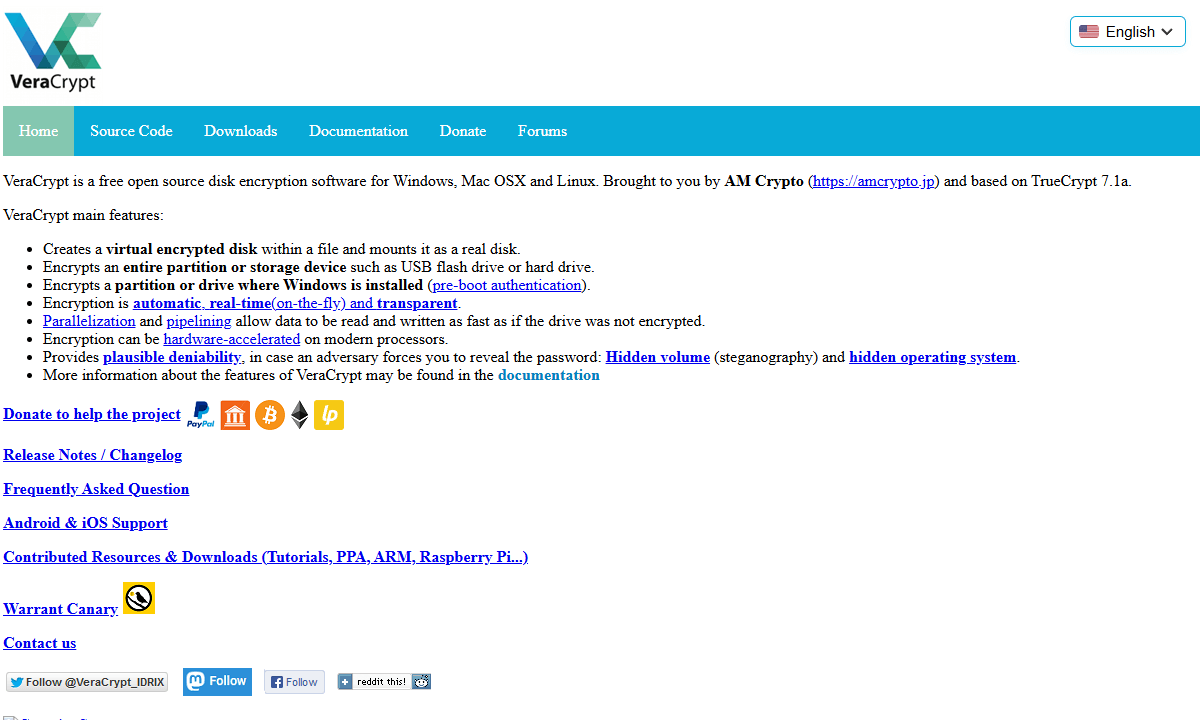
TrueCrypt’s spiritual successor, VeraCrypt, offers consistent presence and clear notifications. Testing on three different drives revealed that the encryption held up well throughout, despite the setup wizard asking more questions than my nosy relative at dinner.
During tests, I was especially interested in VeraCrypt’s minimal impact on speed after encryption. It was like using a regular, unprotected disk to access or save files.
Its main advantage lies in transparency. Because its software is open-source, experts from all over the world have reviewed it over time, identifying and fixing bugs early on.
VeraCrypt Pricing and Value
VeraCrypt costs nothing. No advertisements or hidden purchases, just truly no cost. You’re welcome to support the developers financially, but it’s entirely optional. If you need high-level security and don’t mind reading the guides before getting started, VeraCrypt is an unmatched deal.
2. Microsoft BitLocker – Best for Windows Users
Stats:
- Best price: Free ($99 upgrade if you’re on the Home edition)
- Money-back guarantee: N/A
- Preinstalled on Windows Pro
- Easy integration with Windows
- Enterprise management options
- Not open to the public
- Owned by a private company
- Unavailable on Windows Home
Key features:
- Can encrypt removable drives
- Encryption powered by hardware
- Complete disk encryption with authentication before booting
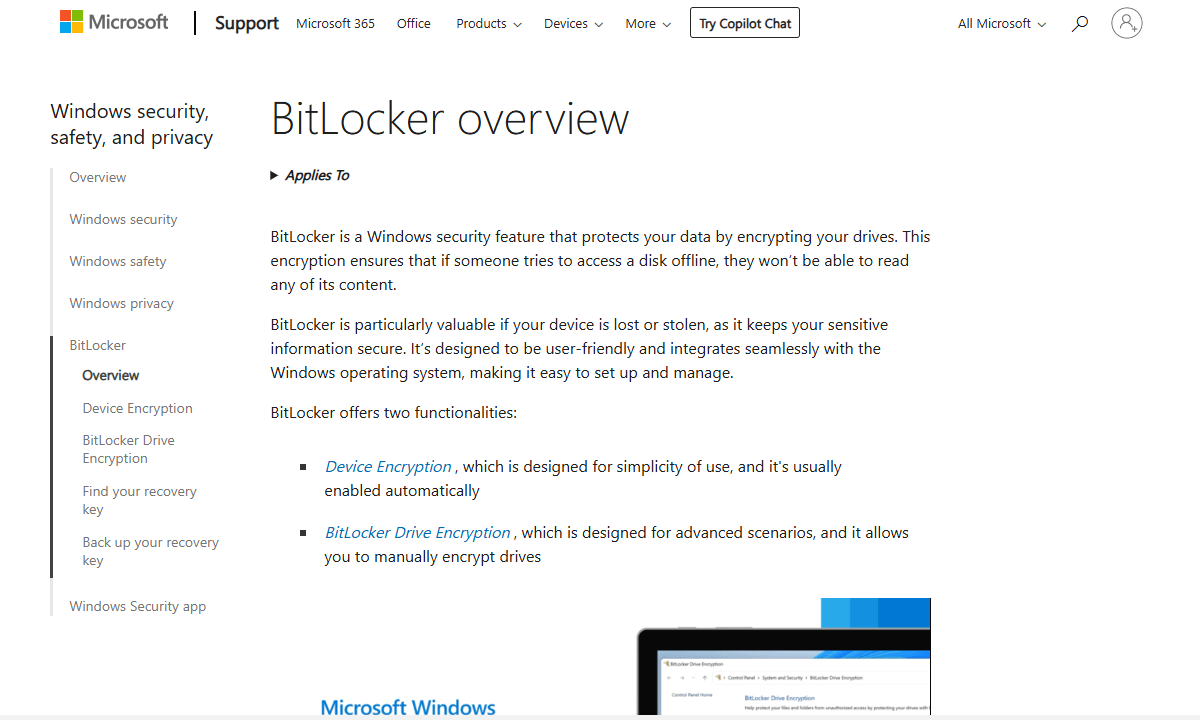
BitLocker is what happens when Microsoft does things properly. In tests, all it took was three clicks to turn BitLocker on and 20 minutes of silent encryption for a 250GB SSD. I didn’t need to look through forums or follow instructions to secure my hard drive.
The Windows connection is seamless, updates are applied silently, and boot speed remains reasonable. During testing, my performance hardly changed. The only thing I don’t like is that Microsoft automatically saves your recovery key to your account. It’s helpful when you forget your password, but it’s a convenient backdoor if someone tries to access your files.
BitLocker Pricing and Value
BitLocker is free for Windows Pro and higher users. Upgrading from Windows Home will cost $99, but it also unlocks extra features like the Group Policy Editor and Remote Desktop. It’s a dependable choice if you want built-in encryption without additional tools.
3. FileVault – Best for Mac Users
Stats:
- Best price: Free
- Money-back guarantee: N/A
- Available at no cost for Mac users
- Integration of iCloud recovery key
- Automatic encryption for Apple Silicon Macs
- macOS only
- Not open source
Key features:
- Options for recovery with iCloud
- Touch ID and Apple Watch integration
- XTS-AES-128 encryption using a 256-bit key
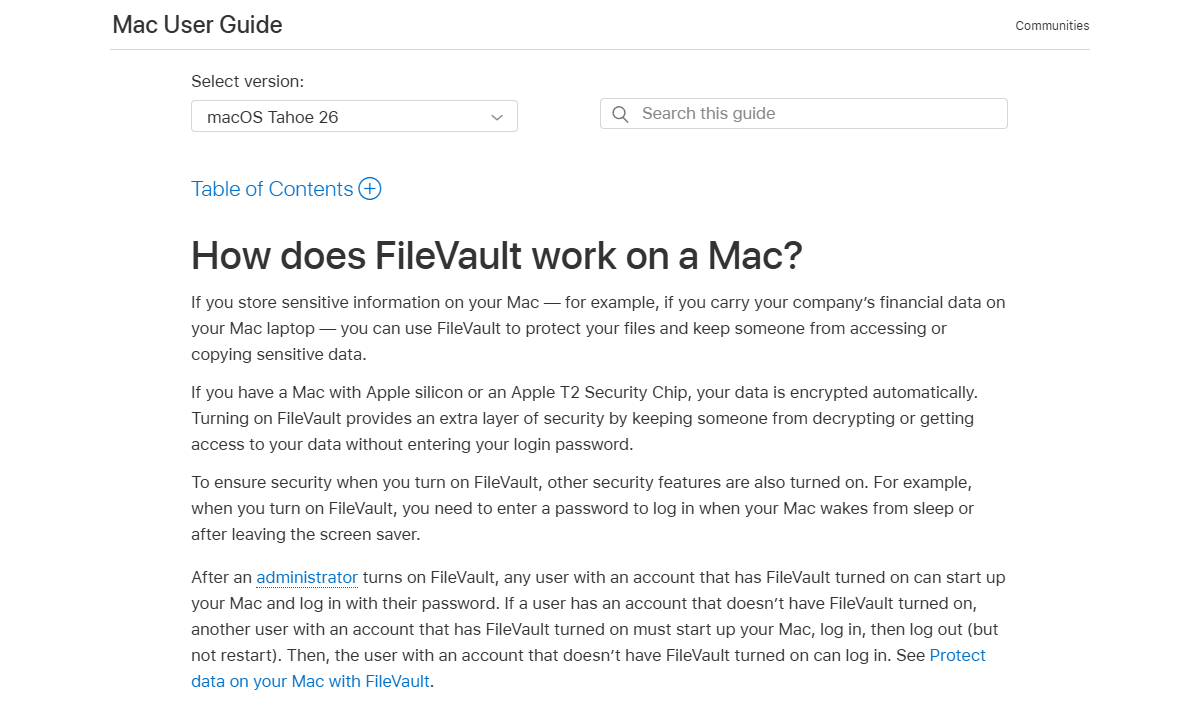
For Macs, FileVault manages full-disk encryption. It only required two clicks to turn on during my test, and it ran quietly behind my day-to-day tasks. Unlike some Windows alternatives that require constant user focus, the process ran in parallel, so I could continue to work without monitoring it.
Its compatibility with Apple products is particularly noteworthy. Encryption starts at the hardware level when Apple Silicon or a T2 chip is present. When you turn on the device with FileVault enabled, all you have to do is enter a password. Since the system’s specialized components handle processing, there’s hardly any slowdown.
FileVault Pricing and Value
FileVault comes free on all Macs. There’s no business edition, no hidden fee, and no paid upgrade. Because of this, the majority of Apple computer owners choose it. However, VeraCrypt is also compatible with macOS if you work across different systems.
4. AxCrypt – Best for File-Level Encryption
Stats:
- Best price: $3.92/month
- Money-back guarantee: 30 days
- Website: www.axcrypt.net
- User-friendly interface
- Password management included
- Support for cloud storage encryption
- Proprietary software
- No complete disk encryption
Key features:
- Safe file sharing
- AES-256 encryption for single files
- Automatic re-encryption for modified files
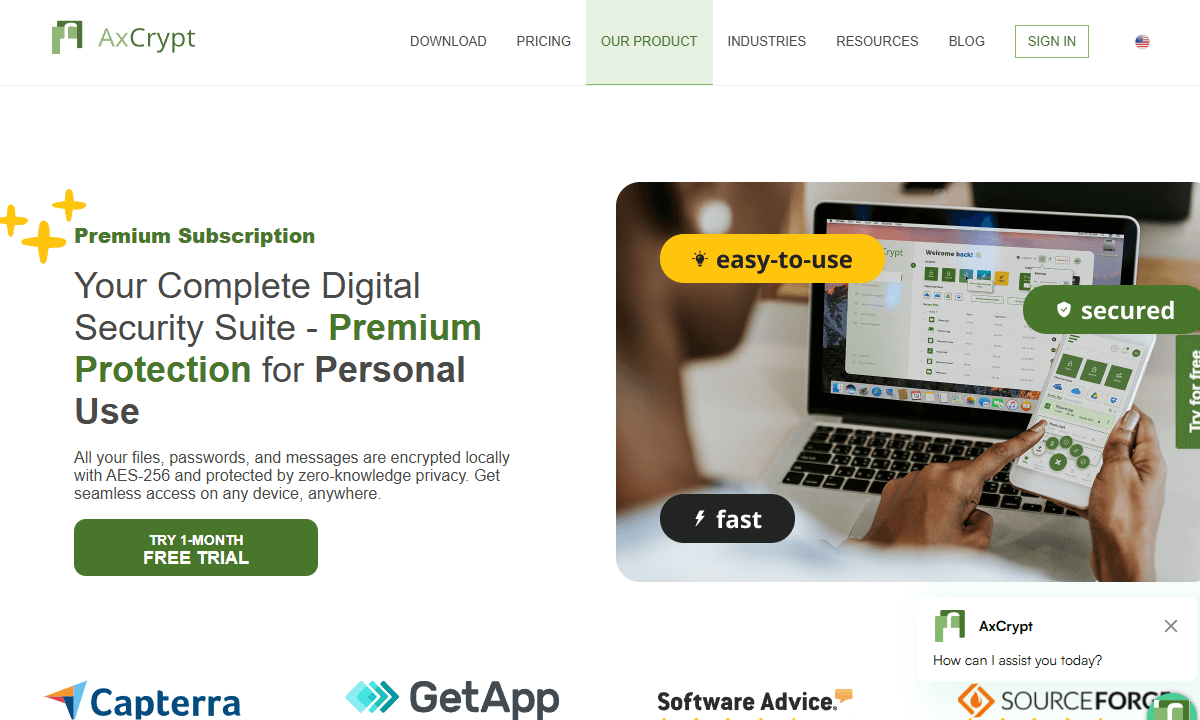
In contrast to whole-disk techniques, AxCrypt secures individual files or directories. The context menu feature made file encryption a simple task during my test. Simply use the right mouse button to click the file, select “Encrypt,” and it starts working.
The design is the most appealing one I saw during testing; it may appear superficial at first, but it becomes important after spending hours staring at boring panels and perplexing notifications from competing apps. AxCrypt looks new, functions flawlessly, and, dare I say it, is fun to use (or at least as fun as encryption software could possibly be).
AxCrypt Pricing and Value
Given its features, AxCrypt’s $4 monthly fee is reasonable. The free version, which only supports 128-bit protection and is compatible with locally stored files, is accessible but feels more like a preview. This cost structure works well for users who are more concerned with protecting individual documents than entire storage devices.
5. LUKS – Best for Linux Users
Stats:
- Best price: Free
- Money-back guarantee: N/A
- Outstanding performance
- Open-source & reviewed
- Standard encryption for Linux
- Only for Linux
- Command-line focused
Key features:
- Various encryption algorithms
- Disk encryption using dm-crypt
- Integration with all major Linux distributions
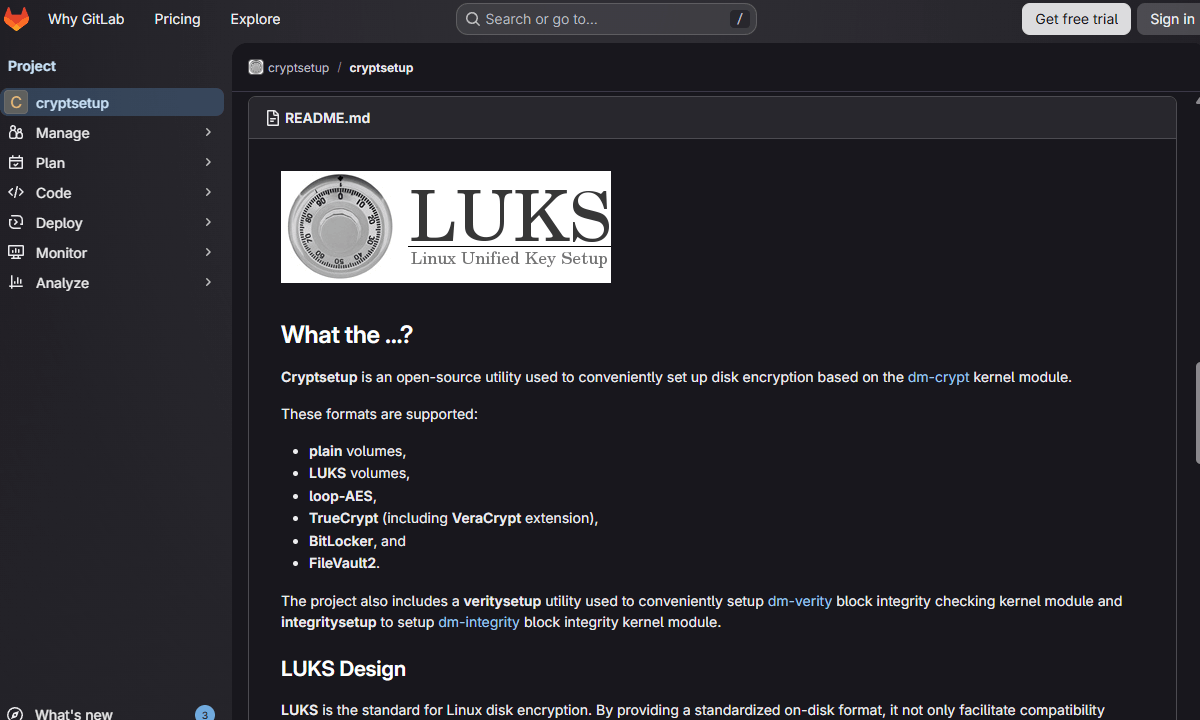
Most major Linux distributions use LUKS, or Linux Unified Key Setup, as their standard for disk encryption. I discovered that Ubuntu offered total drive protection through LUKS (just a toggle away) while testing the setup procedure. Despite its simplicity, strong crypto mechanisms are in place.
On my test Linux computer, my speeds were excellent; it was slightly faster than VeraCrypt with the same hardware. As LUKS is optimized for Linux file systems, it operates within the Linux kernel. One notable feature is its support for multiple key slots, which enables distinct passwords for a single encrypted drive without requiring a new encryption.
LUKS Pricing and Value
LUKS comes at no charge; it’s integrated directly into the Linux kernel and already installed on your computer if you’re running Linux already. Learning new skills is the biggest challenge, particularly when using terminal commands to set it up after installation. Turning it on during Linux installation, however, streamlines and simplifies the process.
6. Symantec Endpoint Encryption – Best for Enterprises
Stats:
- Best price: Enterprise pricing (typically $30-50 per endpoint annually)
- Money-back guarantee: Varies by contract
- Centralized policy management
- Thorough endpoint management
- Outstanding compliance reporting
- Excessive for single users
- Needs focused IT management
Key features:
- Support for multiple platforms
- Tools for compliance reporting
- Encryption for full disks and removable media
With Symantec Endpoint Encryption, large companies can show auditors that all 5,000 of their laptops are completely encrypted. I skipped the deeper testing here; centralized admin features won’t really matter to your use case if you’re looking at personal device security. But if you’re on the market for enterprise-level encryption, Symantec is the way to go.
The core controls are particularly noteworthy because they let tech managers apply security rules, manage unlock codes, and generate audit records without having direct access to every device. However, a small number of systems is unlikely to need this level of detail.
Symantec Endpoint Encryption Pricing and Value
Symantec does not publicly list its pricing, as costs depend on factors such as volume, licensing terms, and support level, and usually require a quote. Smaller teams or individual users might consider it excessive due to the cost and complexity, particularly when simpler or more integrated options are available.
7. DiskCryptor – Best Lightweight Option
Stats:
- Best price: Free
- Money-back guarantee: N/A
- Website: www.diskcryptor.org
- Open source
- Very lightweight
- Quick encryption method
- Available only on Windows
- Development has slowed down lately
Key features:
- CD/DVD encryption
- Various encryption algorithms
- Encryption of the entire disk, including system partitions
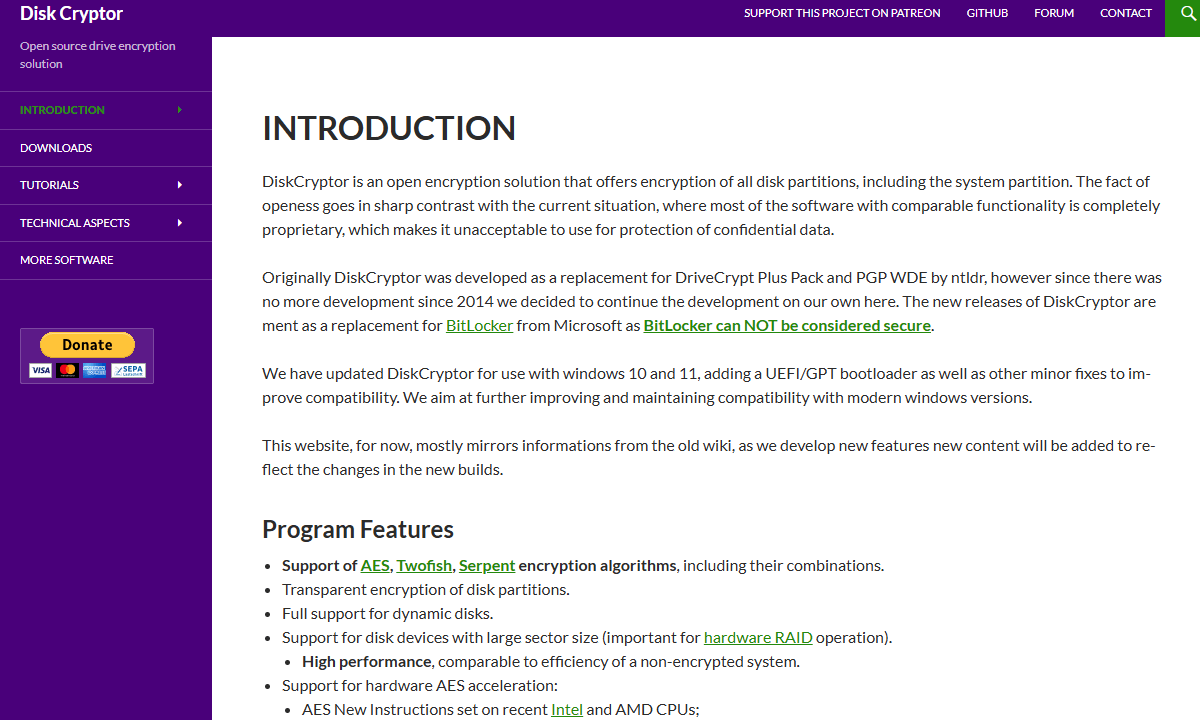
DiskCryptor is ideal for people who like to keep things simple. The entire package took up less than 1 MB during testing and installation. It successfully encrypted my test drive, and despite having a small footprint, its performance surpassed that of several competing tools.
The speed in my tests was noteworthy. It took roughly 18 minutes to encrypt a 250 GB section; BitLocker took 20 minutes, while VeraCrypt took 23. However, development has slowed; the most recent significant release occurred in 2020. Even with Windows 11, it functions flawlessly, but the fewer updates raise questions about protection in the future.
DiskCryptor Pricing and Value
DiskCryptor is open-source and free to use. Should you need straightforward encryption with zero extras, DiskCryptor fits. Keep in mind, though, its infrequent updates mean you’re betting on stability over cutting-edge features.
8. Trend Micro Endpoint Encryption – Best Managed Enterprise Alternative
Stats:
- Best price: Enterprise pricing
- Money-back guarantee: 30 days
- Support across multiple platforms
- Full disk & removable media encryption
- Integrations with the Trend Micro security suite
- Pricing for enterprises only
- Requires management infrastructure
Key features:
- BitLocker management capabilities
- Policy enforcement that is centralized
- Complete disk encryption for Windows devices
Trend Micro Endpoint Encryption is similar to Symantec in that it provides managed protection solutions to businesses. Its primary benefit is its seamless integration with Trend Micro’s entire security suite; as a result, encryption works naturally when their virus and threat tools are already installed.
Every encryption rule is managed by the centralized PolicyServer, which is practical but adds another system to support and additional risks. However, a single oversight solution can be truly helpful for teams that need constant control.
Trend Micro Endpoint Encryption Pricing and Value
Large businesses are the target market for the pricing, and encryption is usually bundled with other Trend Micro products. Smaller businesses or individual users will find it excessively complex. If your business already uses Trend Micro products, it makes sense to add enterprise encryption, too.
How I Tested the Best Hard Drive Encryption Tools
I conducted tests focusing on three main areas: security, speed impact, and daily usability. All encryption tools claim to be completely safe, but some are more effective than others.
I made sure that every tool uses AES-256 encryption correctly and confirmed that encrypted drives remain inaccessible without the right credentials. I prefer open-source options when possible, as private software can contain hidden entry points added by the creators.
I measured the speed of full disk encryption, compared file transfer rates on protected and unprotected systems, and monitored processor load during regular tasks. Even with the same encryption methods, the actual performance of tools differed because of coding accuracy.
Usability testing focused on the ease of installation, daily use, and the process of regaining access if locked out. I intentionally “forgot” my passwords to see how each app responded when I couldn’t access them. Some provided clear guidance on the recovery steps. Others basically said “tough luck, your data is gone.”
Conclusion
VeraCrypt offers strong, reliable security without any company oversight. BitLocker is ideal for Windows Pro users, and FileVault is a great match for macOS systems. Ultimately, behavior is more important than software; weak passwords or unattended devices render strong security ineffective.
I’m curious to know your thoughts on this. Which full-disk encryption tools do you find easy to use? Are there any you’d recommend that I’ve missed from my list? Share your thoughts below, and thank you for reading.
FAQ: Hard Drive Data Encryption Tool
What Is the Best Encryption Software for External Hard Drives?
VeraCrypt is the best encryption software for external hard drives. It works well with external drives, creating secure volumes that can be used on Windows, Mac, and Linux. BitLocker To Go works well for users who only have Windows.Is BitLocker or VeraCrypt Better?
Veracrypt is better. BitLocker is straightforward, but it’s proprietary, meaning Microsoft controls the decryption access. On the other hand, VeraCrypt provides transparency with its open code, which builds trust, but beginners might find it challenging at first.Is AES-256 the Best Encryption?
No, AES-256 is not the best encryption, but it’s the most widely used and has the best balance between security, performance and compatibility. Some programs offer alternatives like Serpent or Twofish, which provide similar protection but have less real-world validation.
Leave a Reply